Hedoui
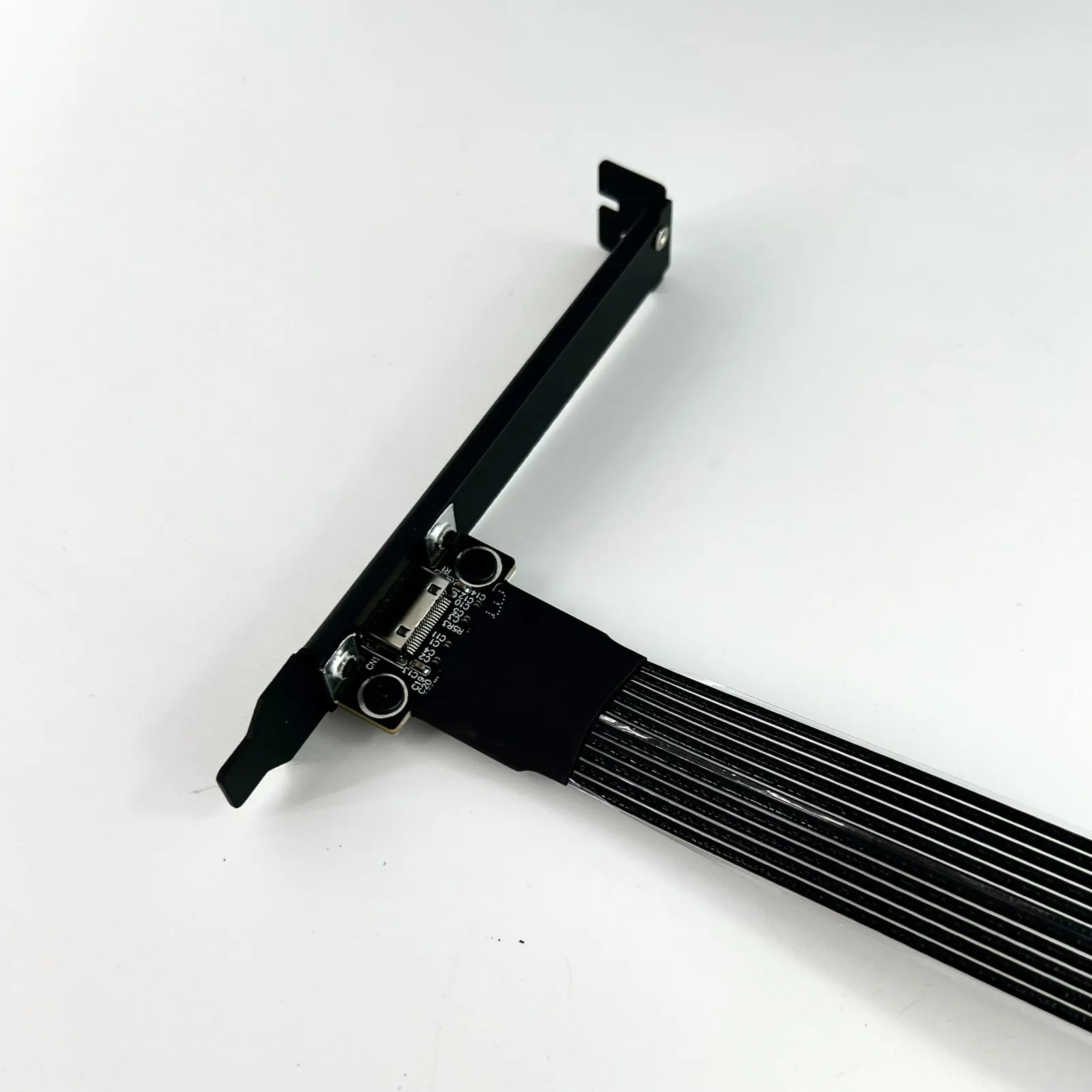
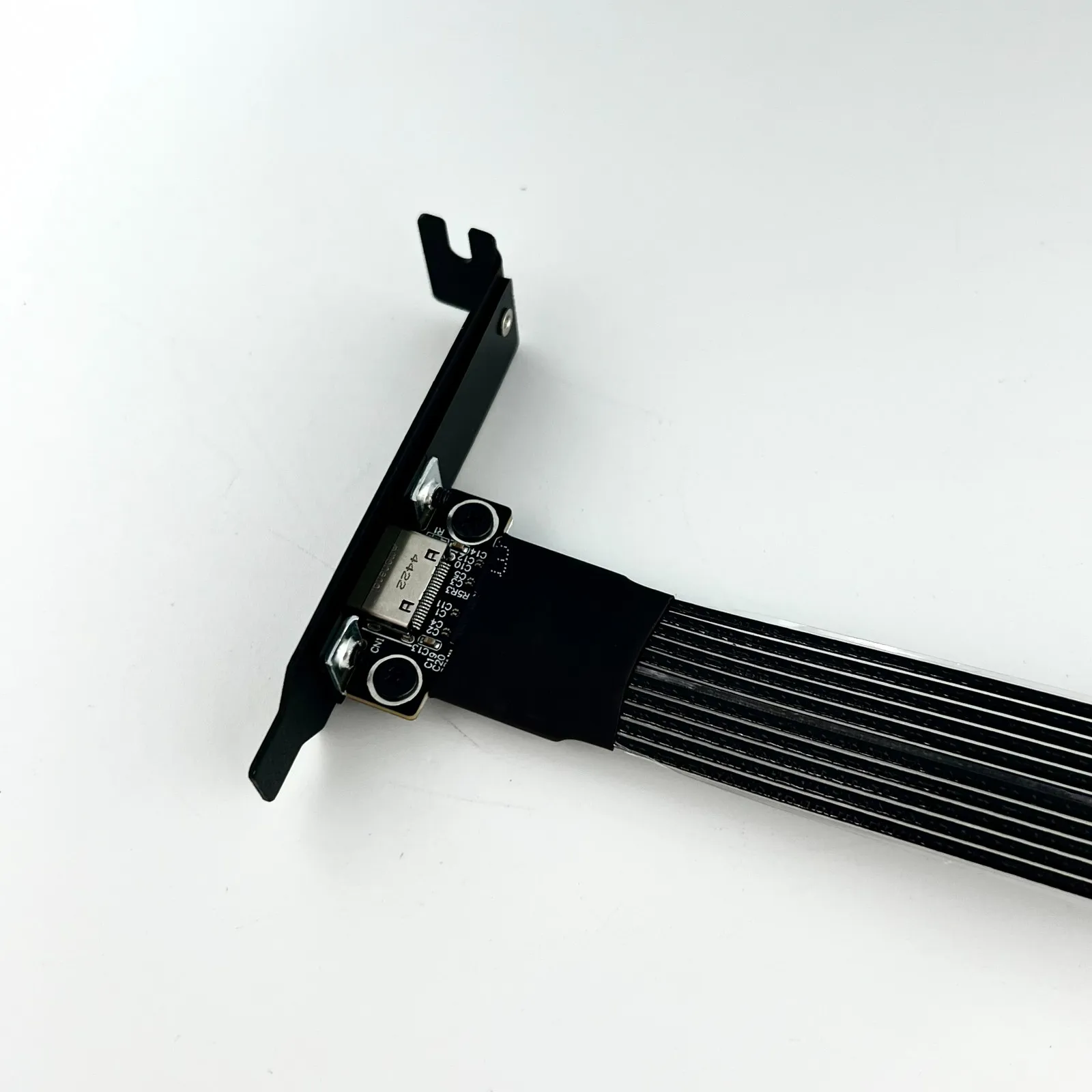
ADT New K9G OCuLink to PCI Express X16 Graphics Card GPU Dock PCIe 5.0 X4 128Gbps EGPU ATX Power Bracket M.2 SFF-8612 & SFF-8611
ADT New K9G OCuLink to PCI Express X16 Graphics Card GPU Dock PCIe 5.0 X4 128Gbps EGPU ATX Power Bracket M.2 SFF-8612 & SFF-8611
Couldn't load pickup availability
SPECIFICATIONS
Brand Name: ADT-Link
Certification: RoHS,NONE
High-concerned chemical: None
Model Number: K993G-BK7
Origin: Mainland China
Package: Yes
Type: GPU Extension Cable
ADT factory direct sales, with excellent product performance and an outstanding reputation. 100% full inspection and power-on testing before shipment.
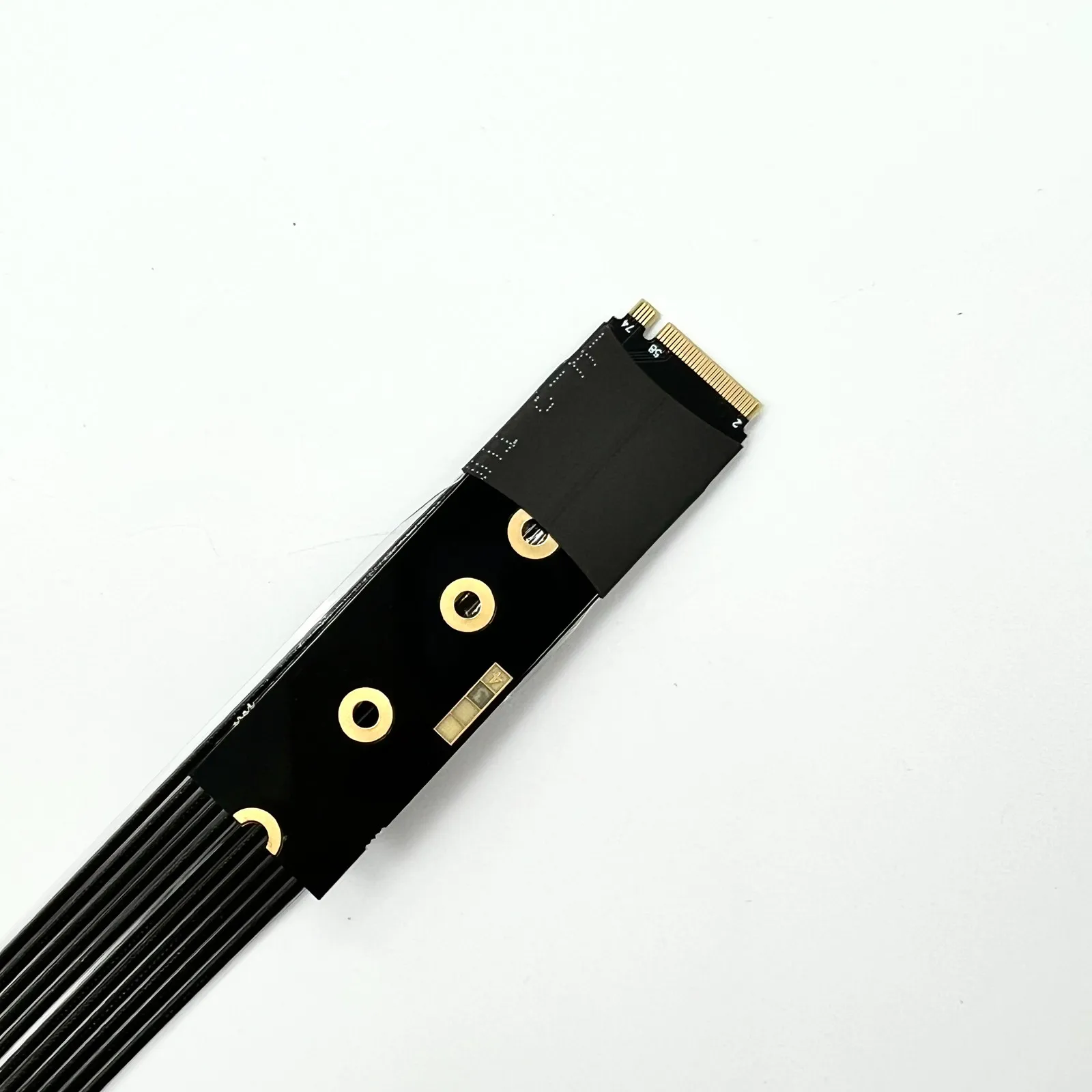
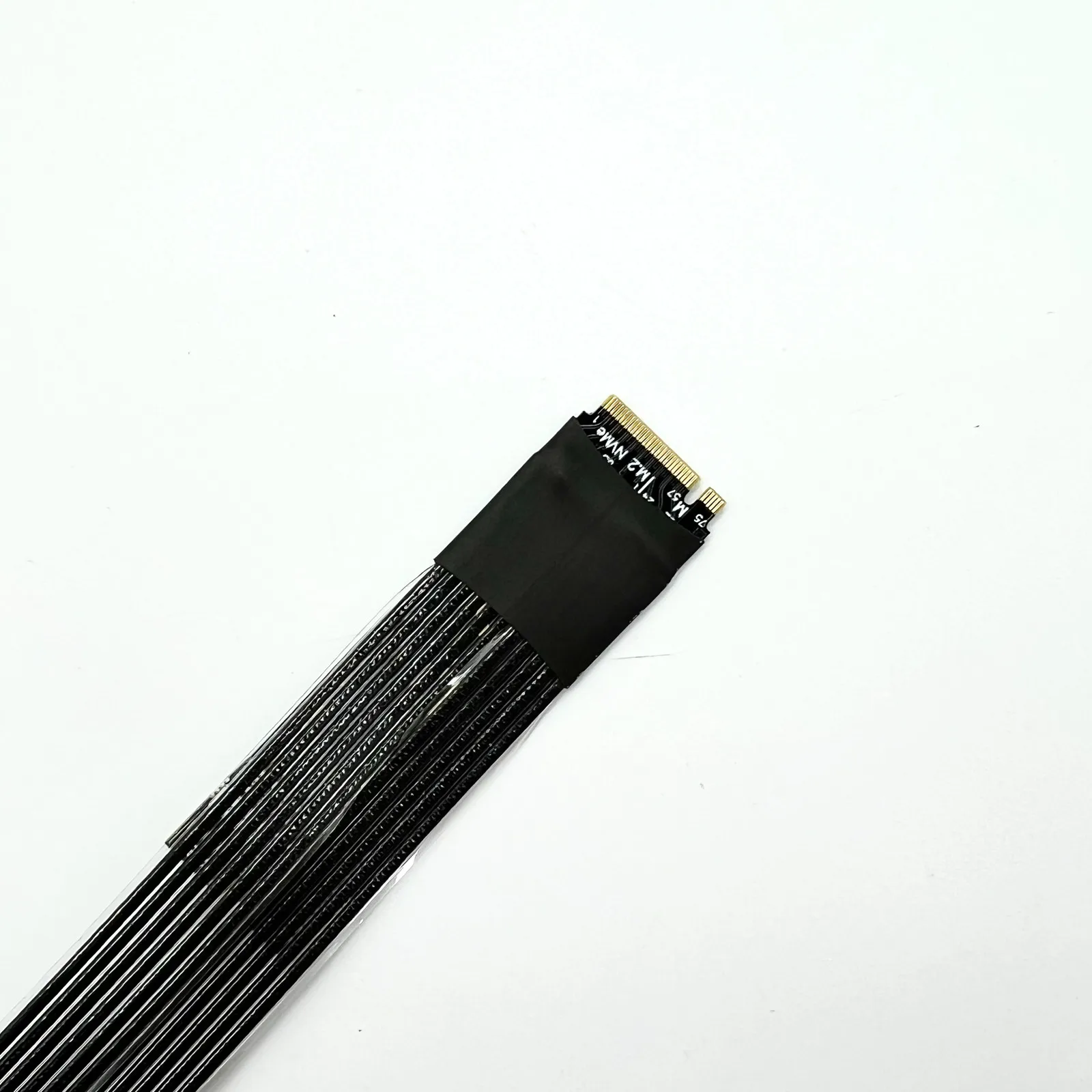
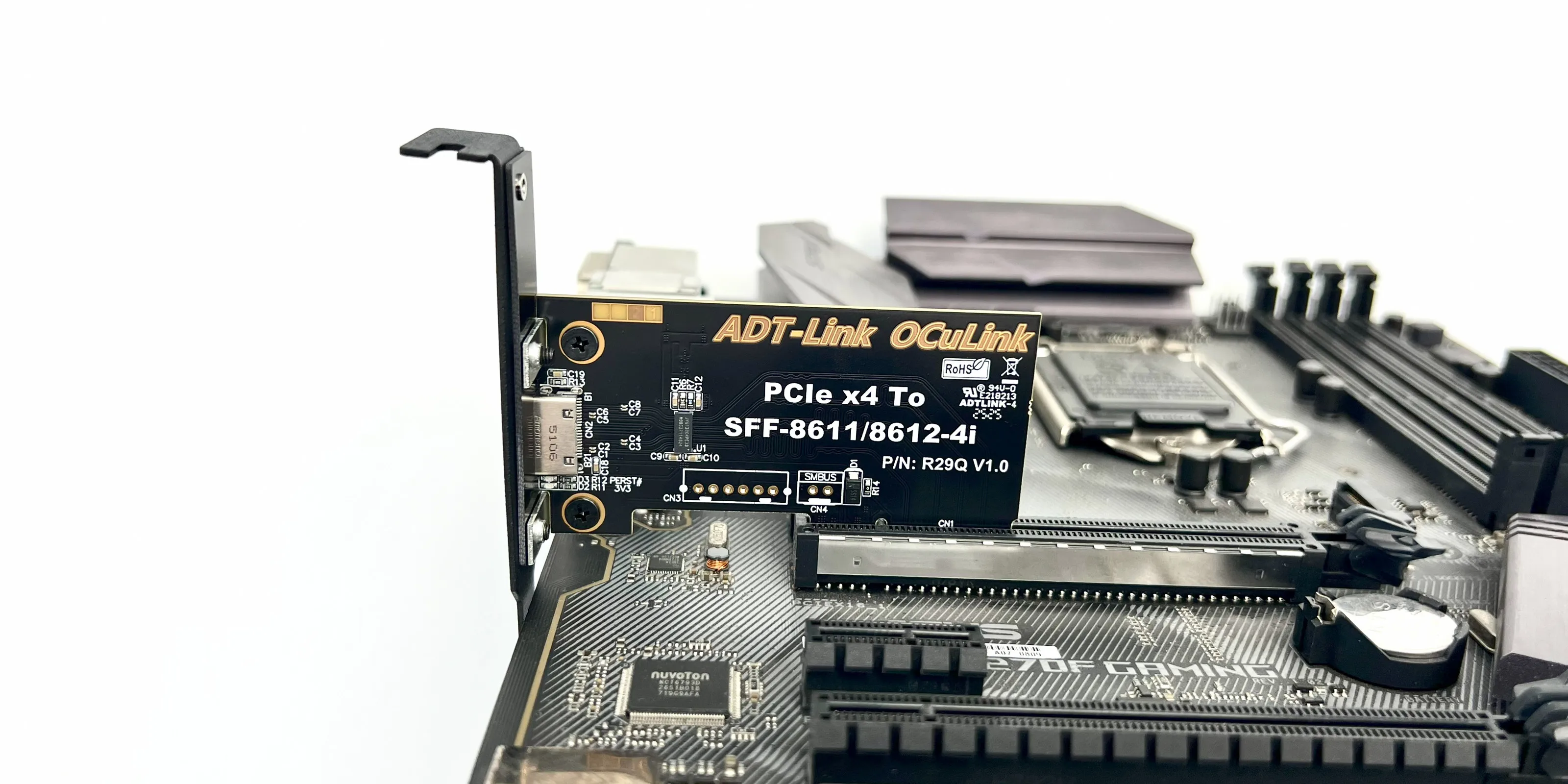
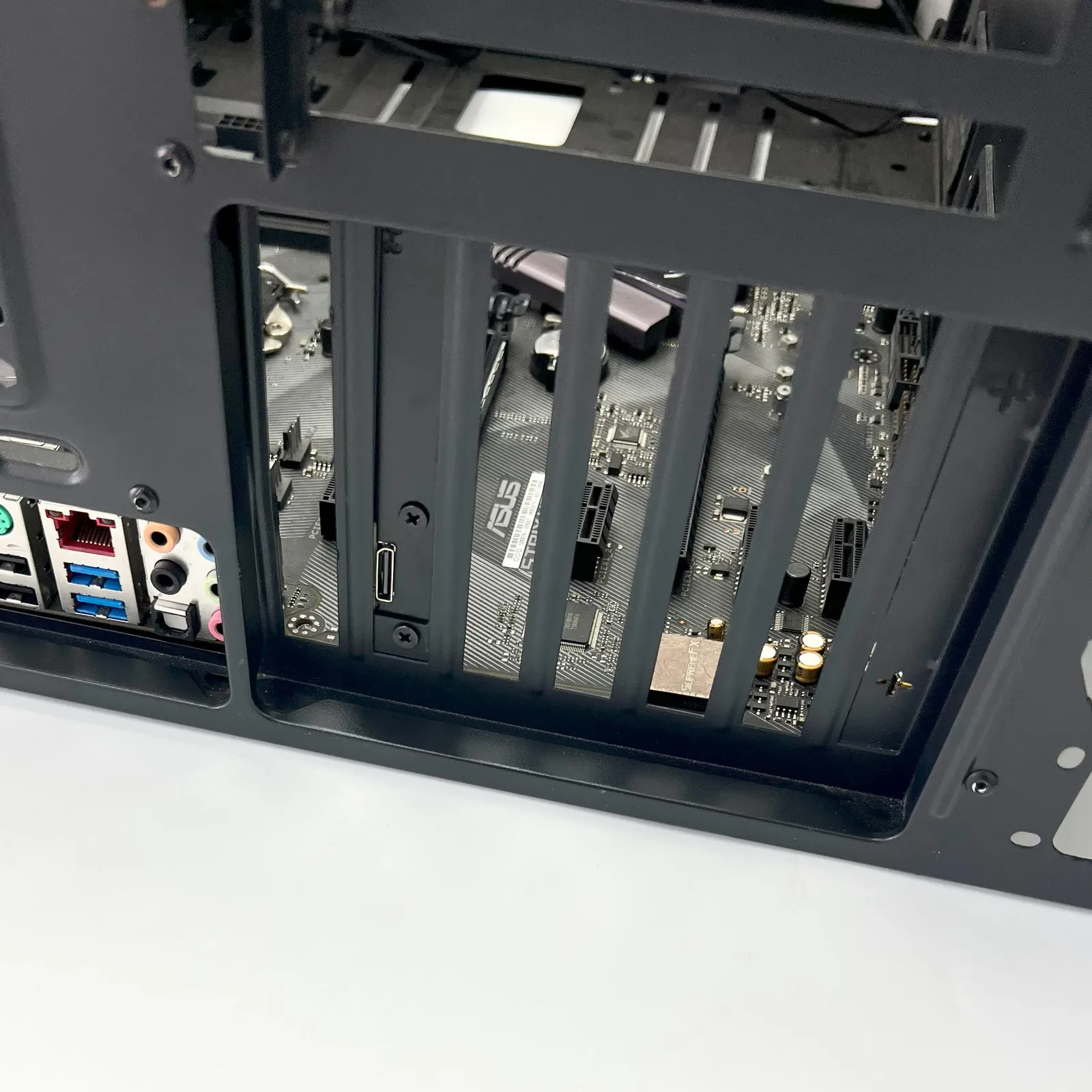
This product not only supports laptops but also Intel NUC motherboards, STX motherboards, ITX motherboards, mini PCS, external graphics cards, and adapter cards that support M.2 NVMe interfaces and PCIEx4 interfaces.The speed of Gen5 requires support from the motherboard interface itself.
Brand: ADT-Link
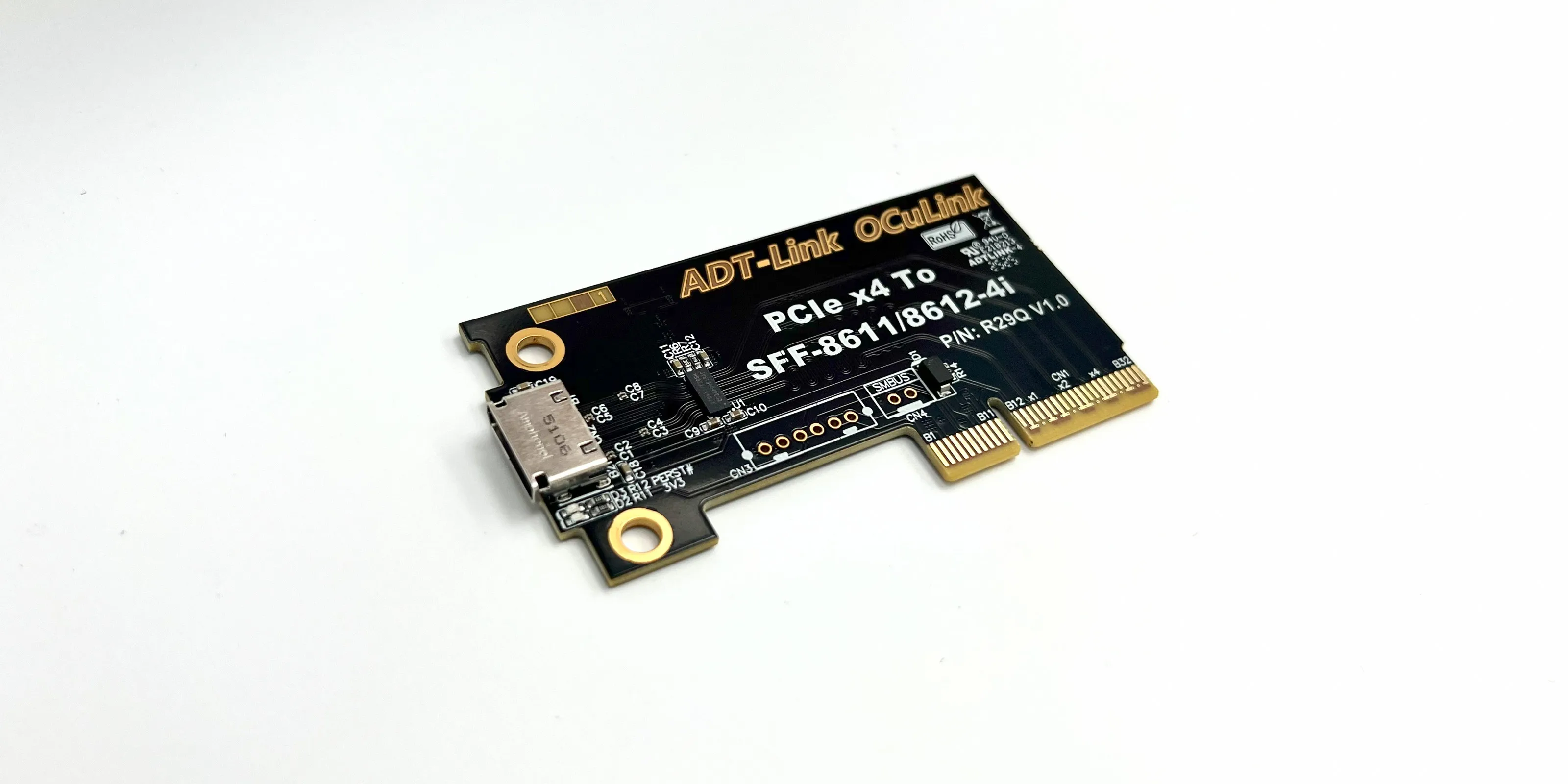
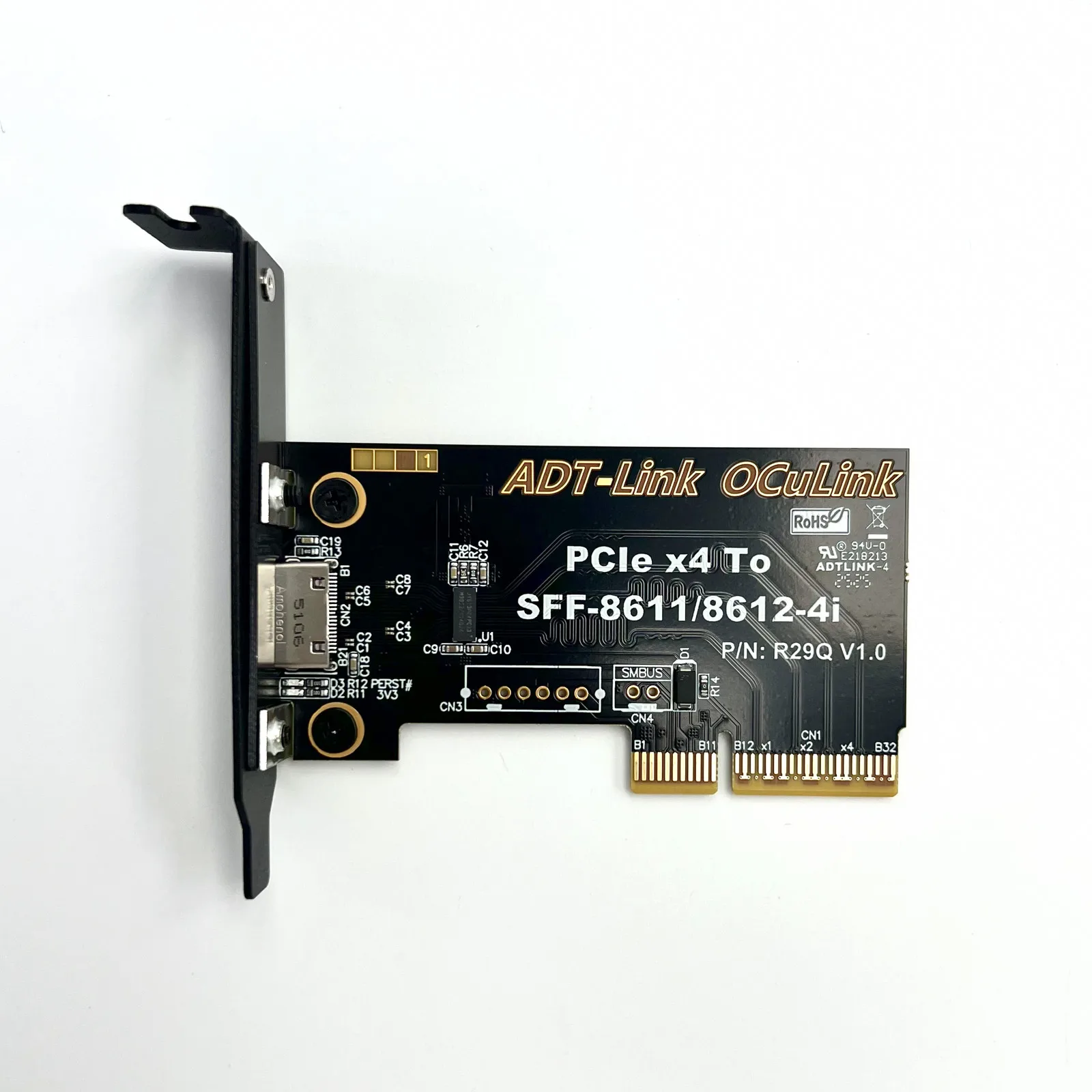
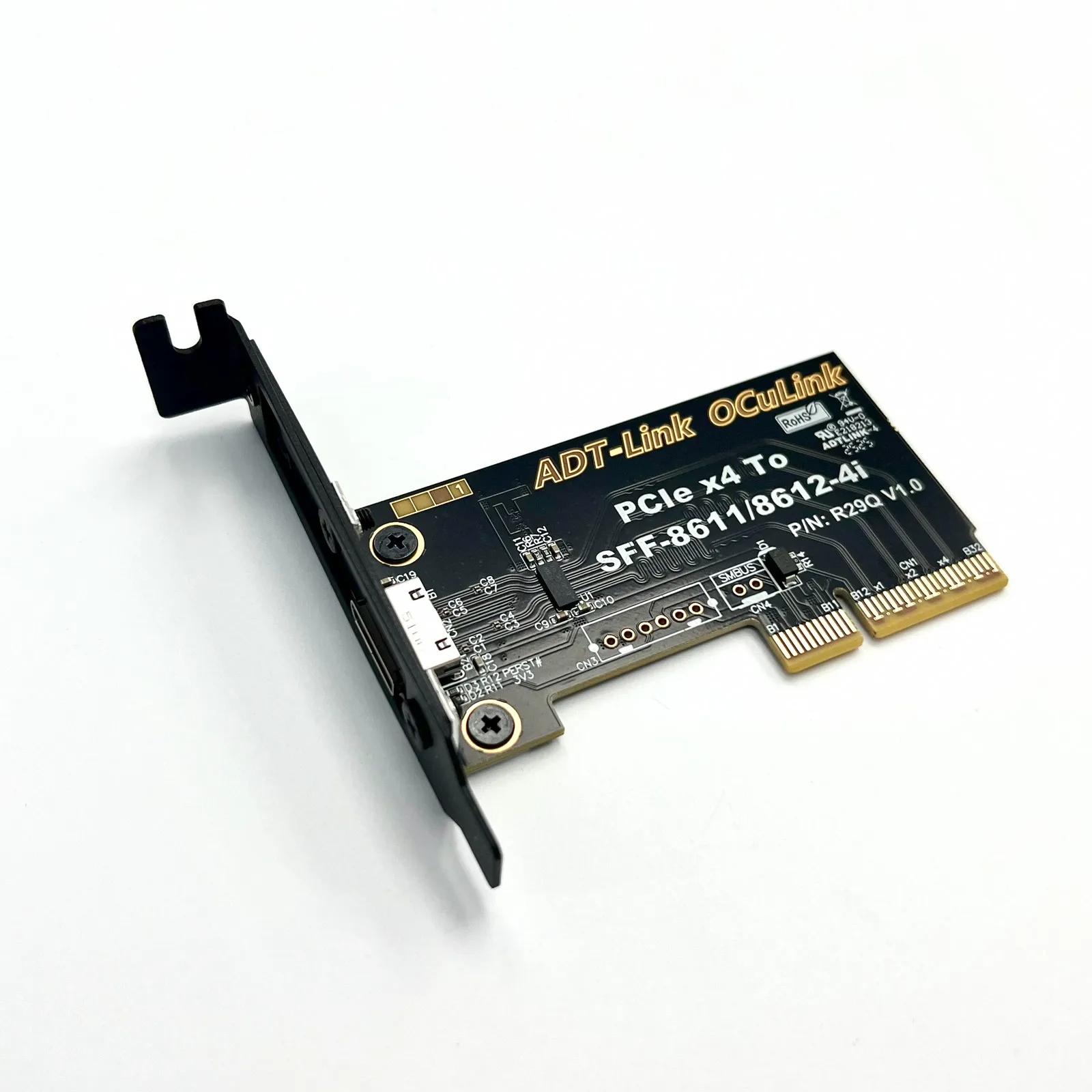
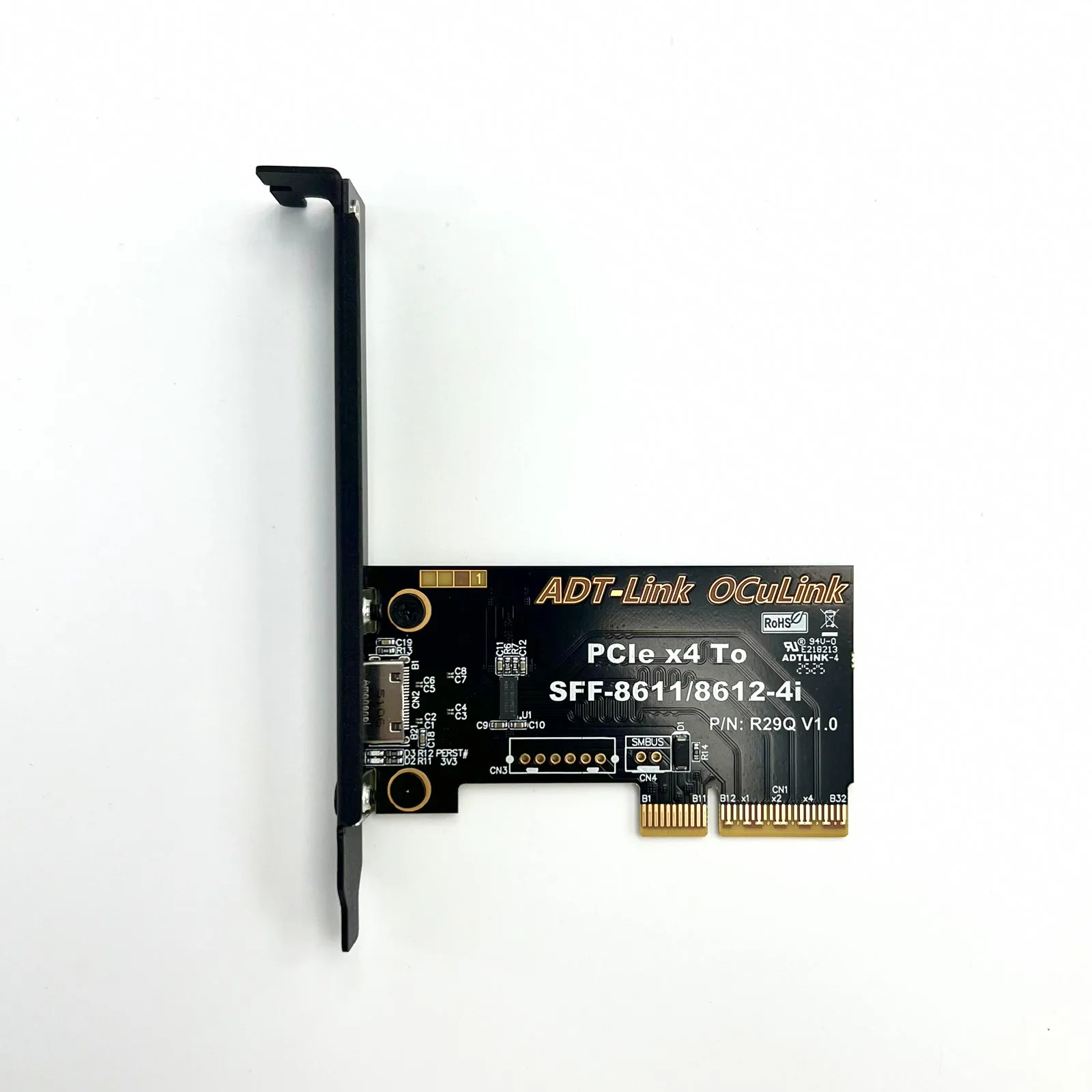
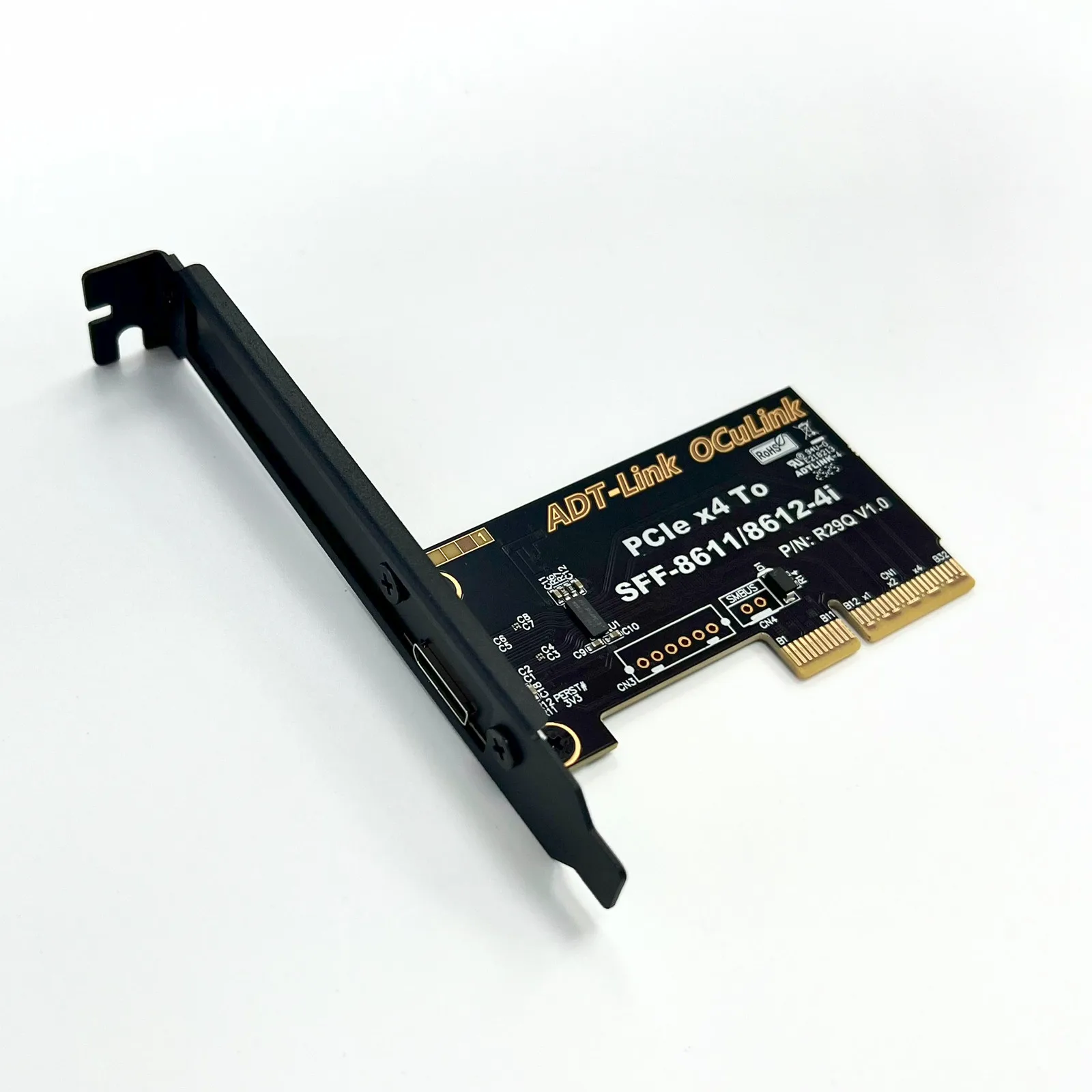
Product Model: K993G K993G-BK7; ADT-F4Q; R29Q
Product Name: OCuLink 5.0 External Graphics Card Dock
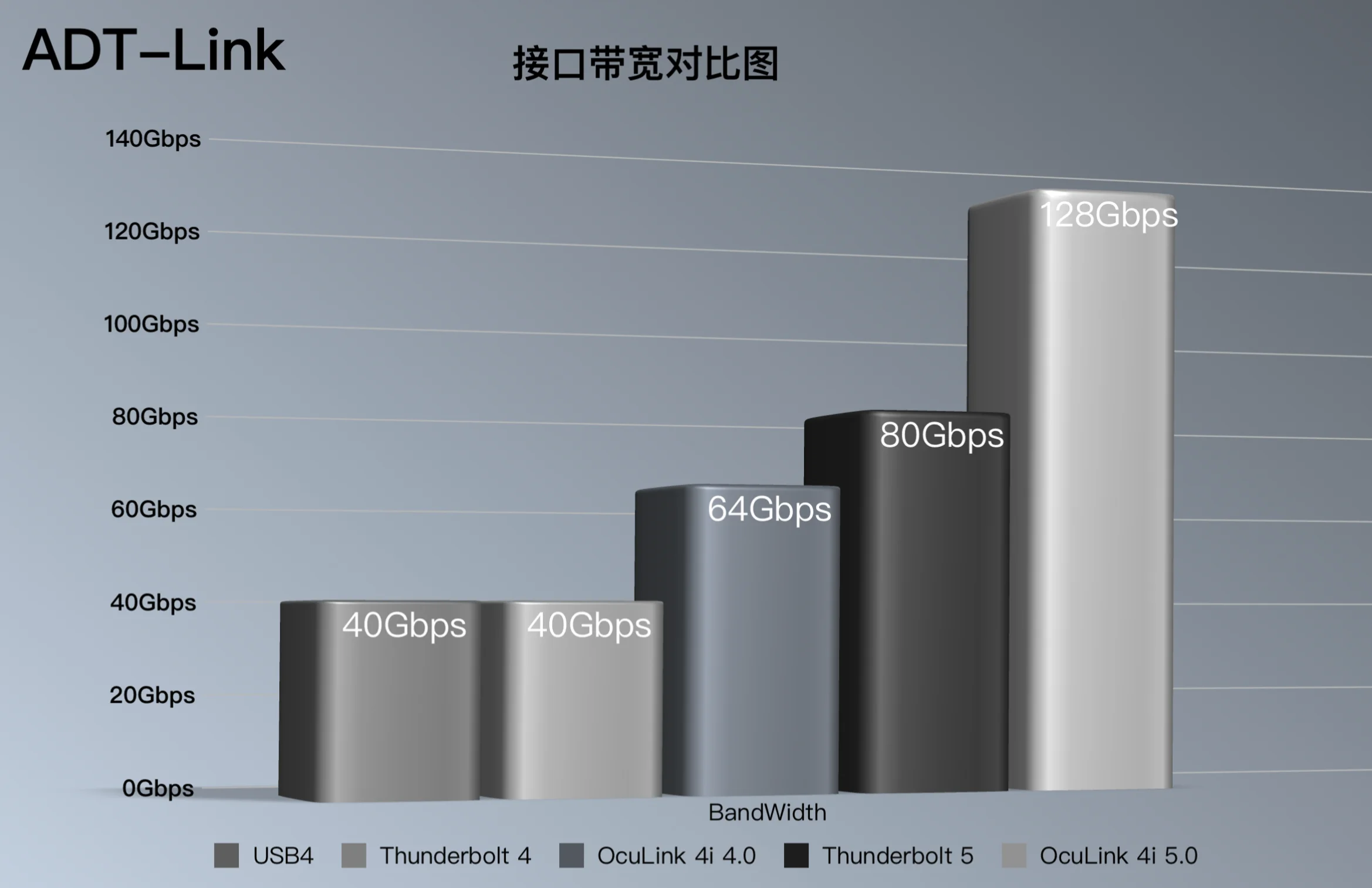
Transmission speed: PCIe 5.0x4, effective bandwidth 128Gbps
Product application: It is used for external connection of graphics cards or other PCIe devices. Compared with the traditional Thunderbolt adapter solution, the effective bandwidth of OCuLink under PCIe 5.0x4 can reach 128Gbps, far exceeding the Thunderbolt solution.
Friendly reminder: Most OCuLink devices do not support hot plugging. Please ensure that you perform plugging and unplugging with your device turned off
Power supply description: Supports standard ATX power supplies. Please prepare the power supply specifications according to the instructions of the graphics card manufacturer
Purchasing Tip: Be sure to purchase 1 to 2 samples for testing and verification before making large-scale purchases.
Connector specification
Support cable to board application
Small size design: pitch 0.5mm connector
Supports 85 ohm impedance applications, 100 ohm is available on request
RoHS compliant. Halogen free is available on request
Product model description:
Models |
Descriptions |
Bandwidth |
K993G |
OCuLink SFF-8611 to PCIe x16 GPU Dock |
PCIe 5.0 x4 |
K993G-BK7 |
OCuLink SFF-8611 to PCIe x16 Dock with bracket |
PCIe 5.0 x4 |
ADT-F4Q |
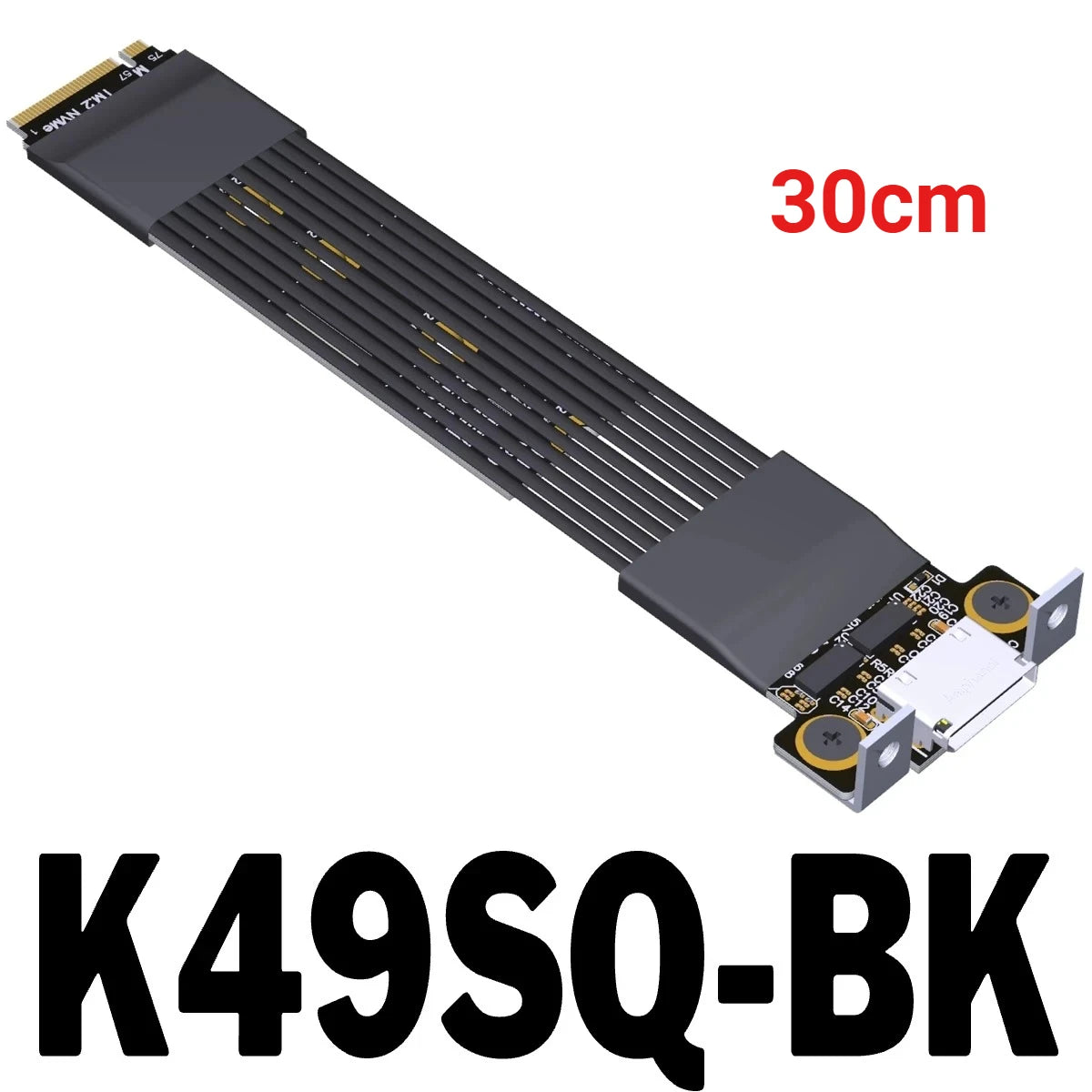
M.2 NVMe to OCuLink SFF-8612 Female with Chip |
PCIe 5.0 x4 |
R29Q |
PCIe 5.0 x4 to OCuLink SFF-8612 Female with Chip |
PCIe 5.0 x4 |
BK2 Installation:
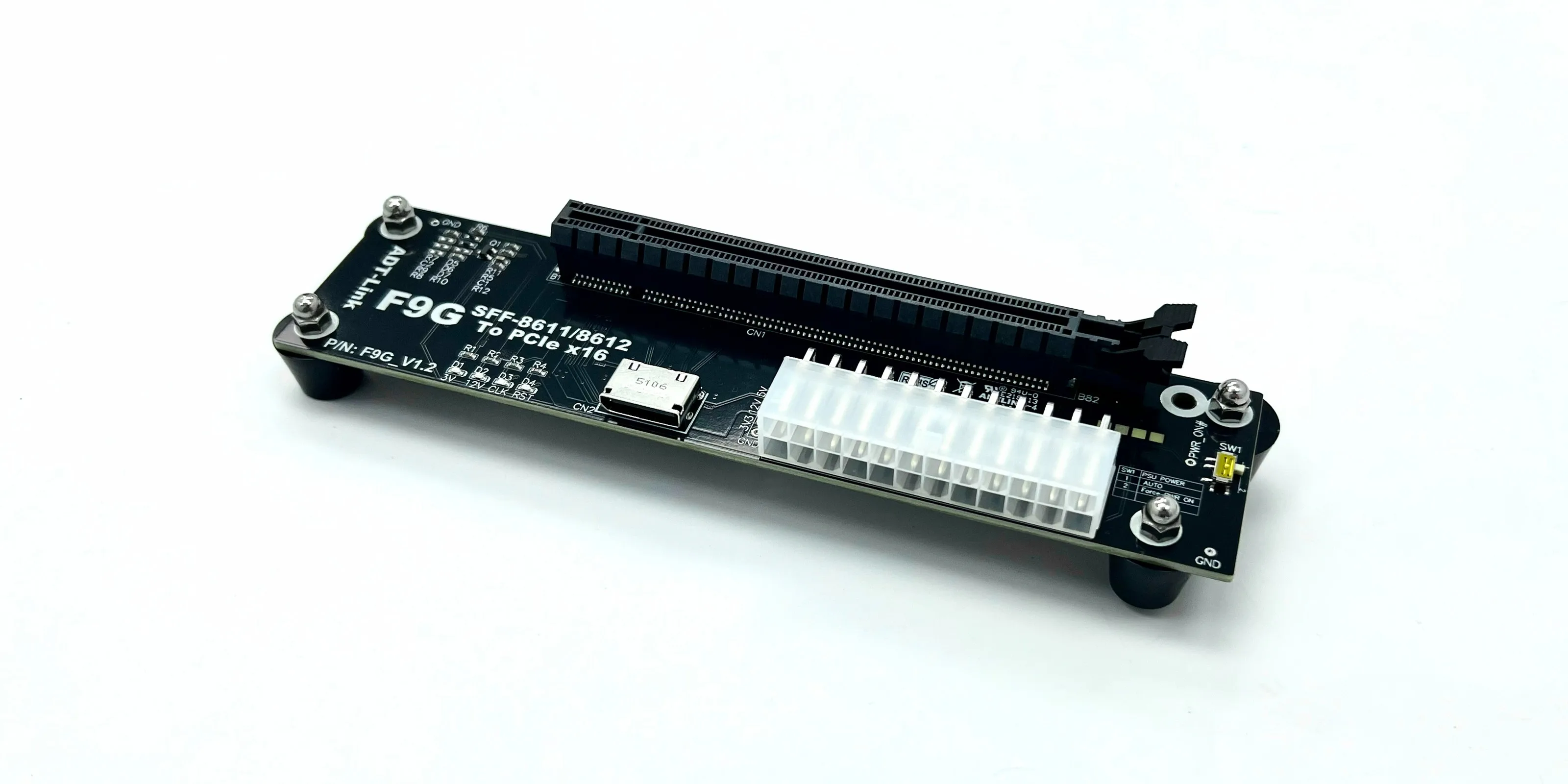
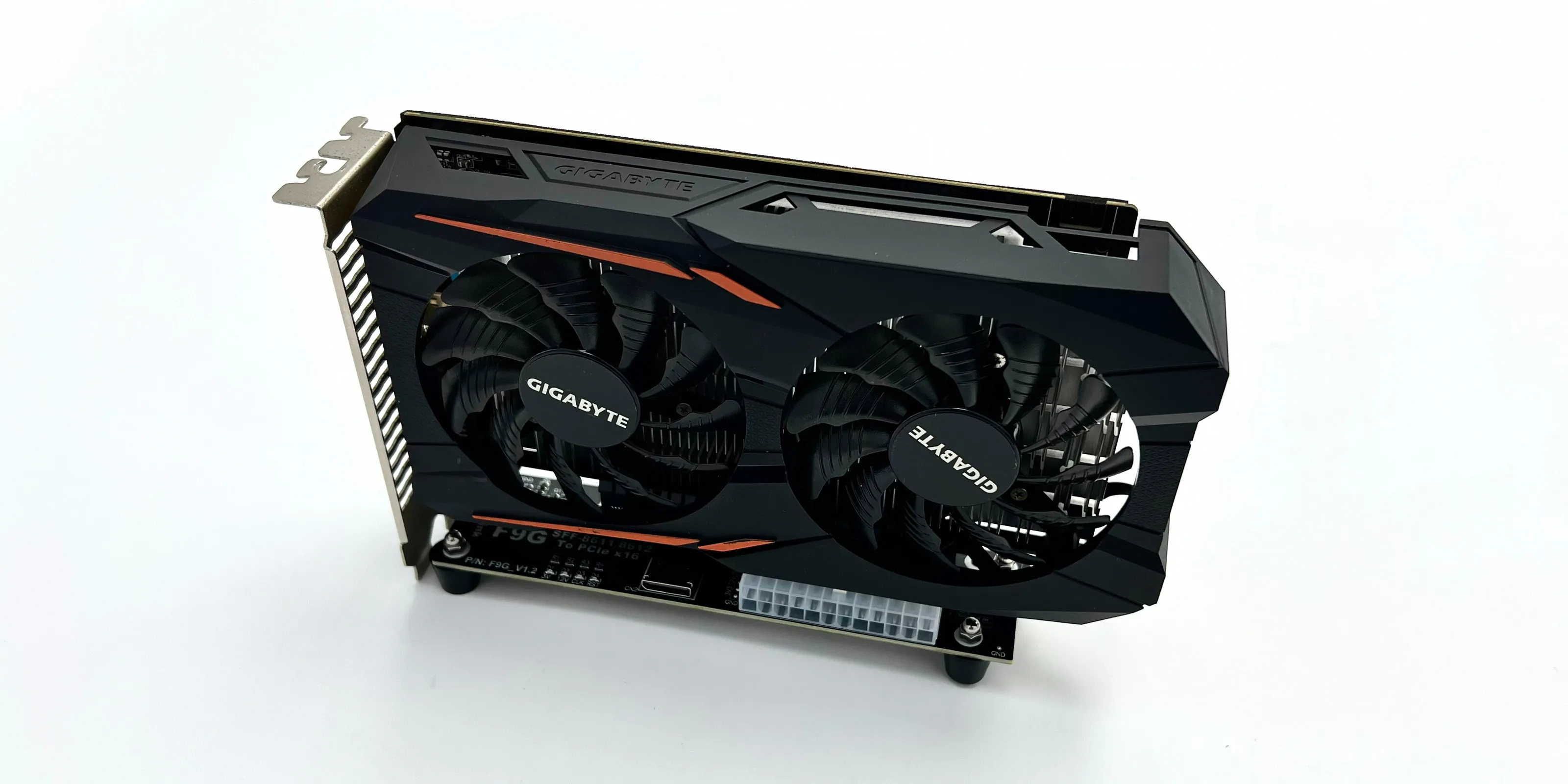
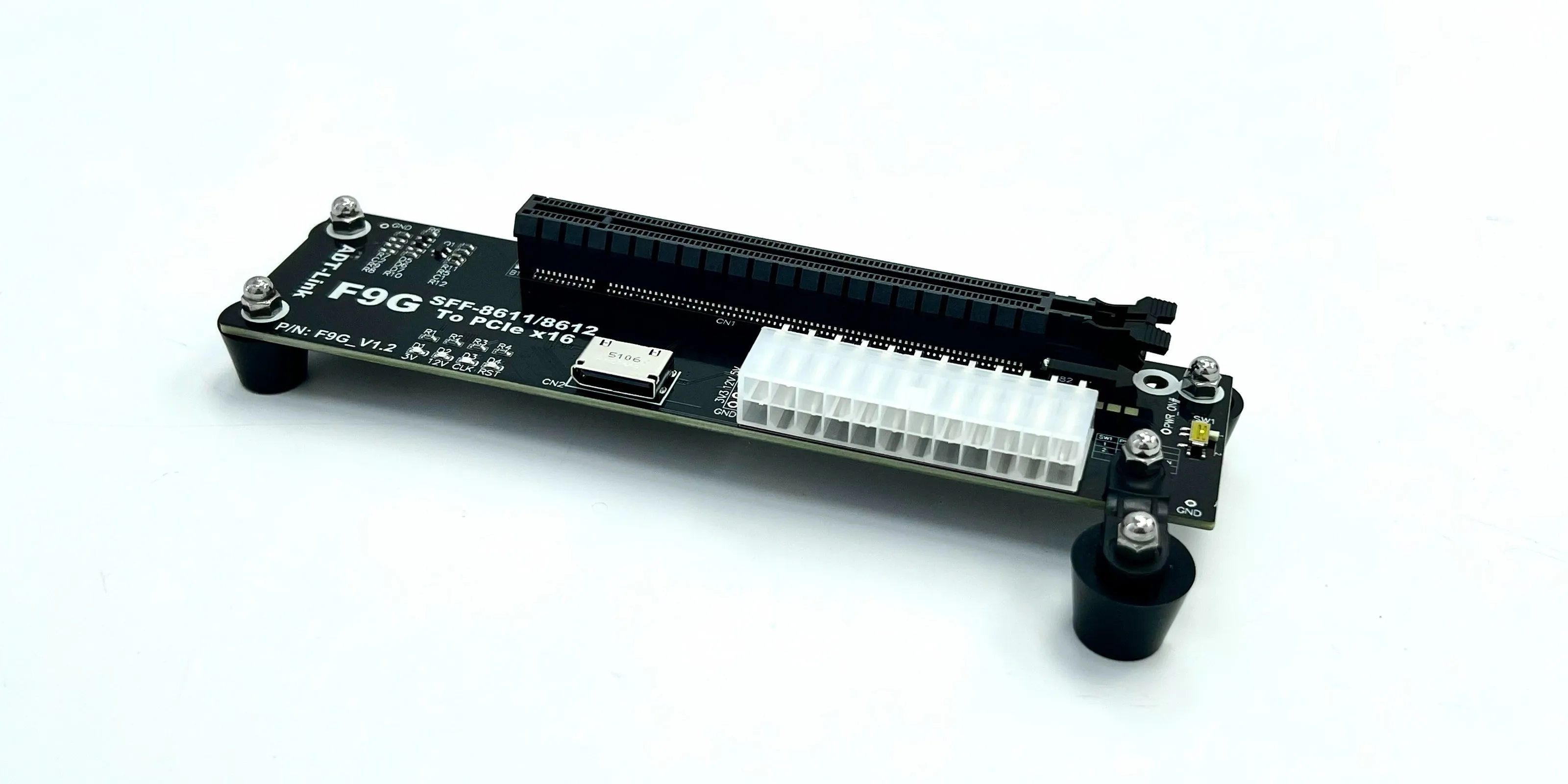
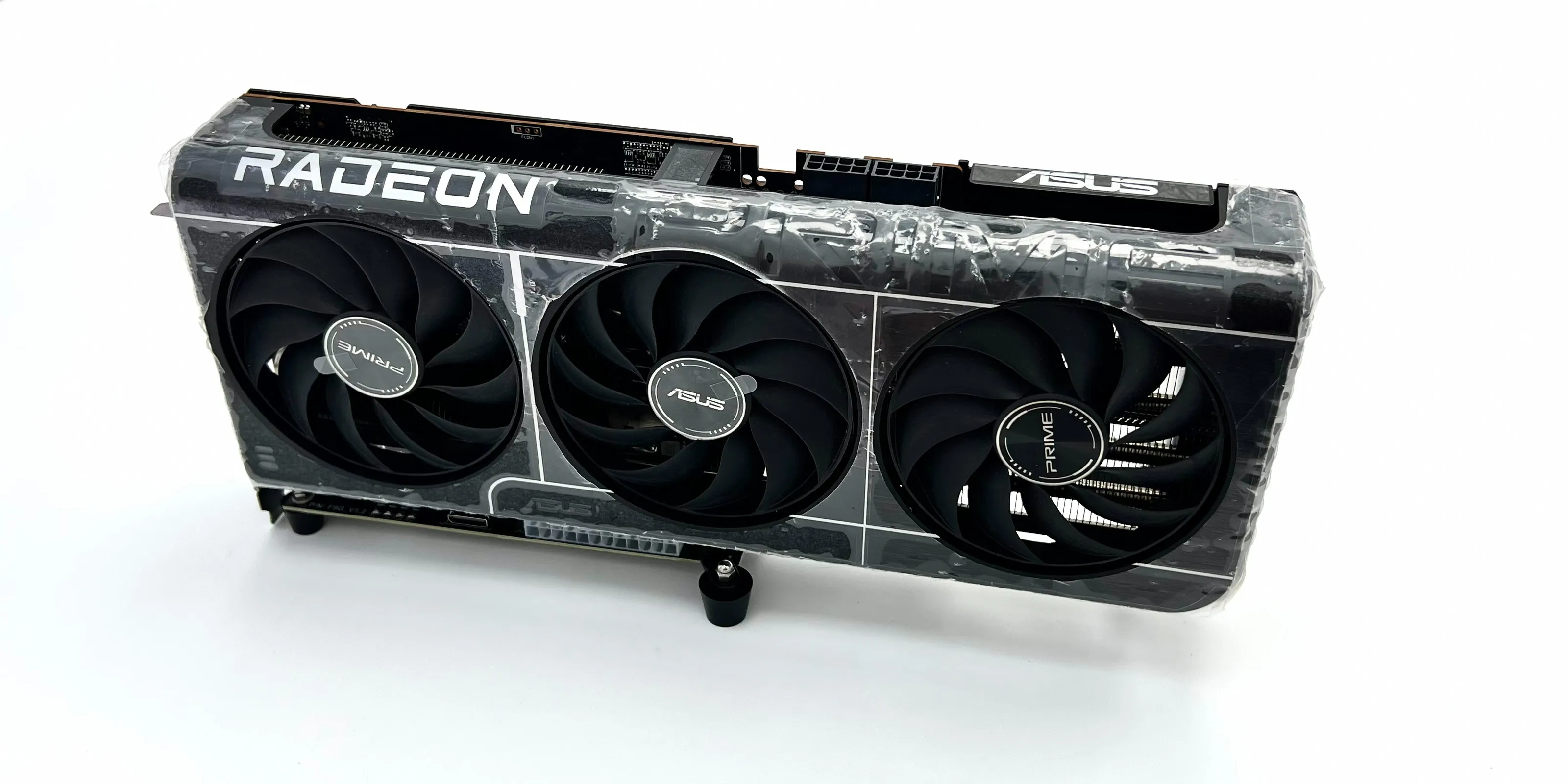
K993G:
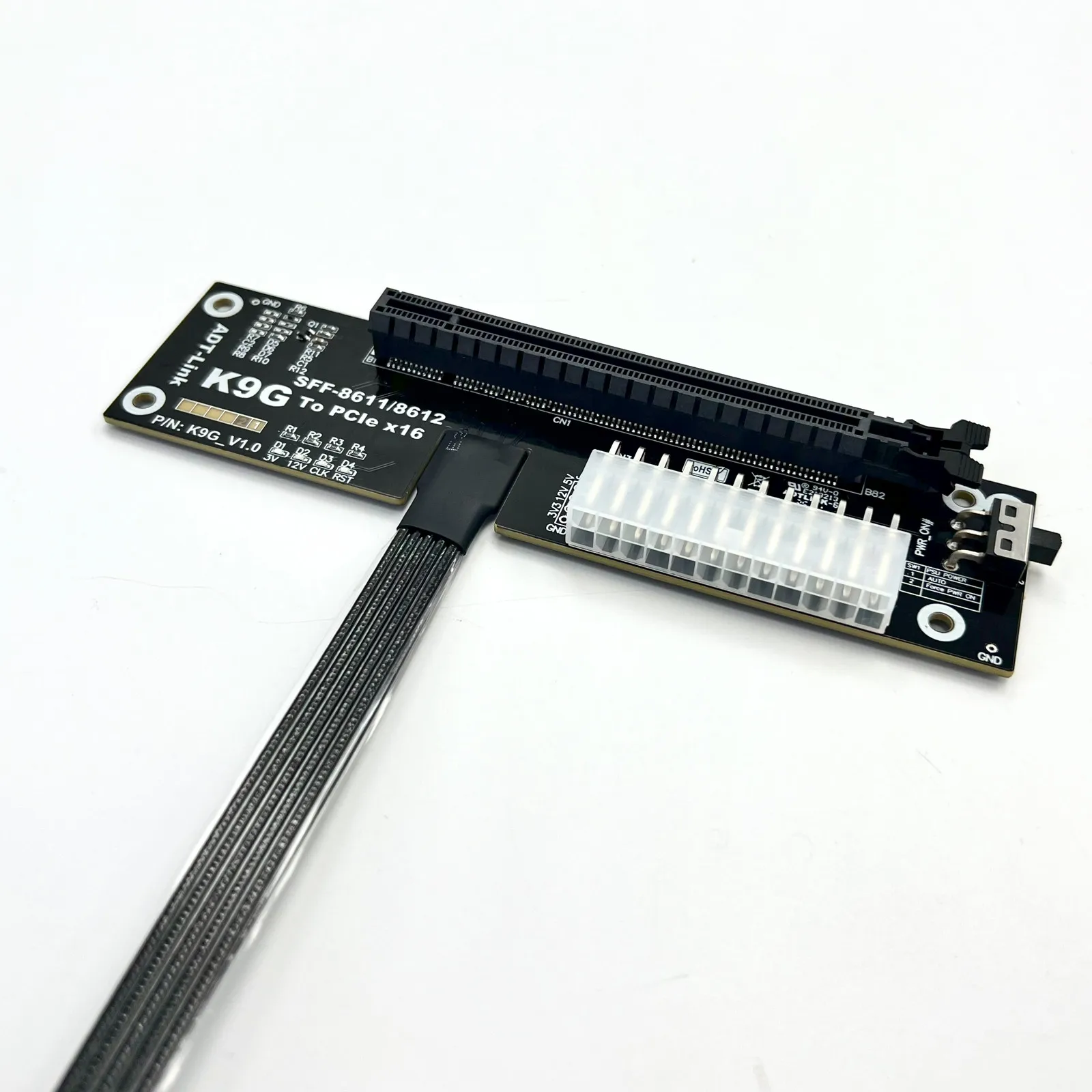
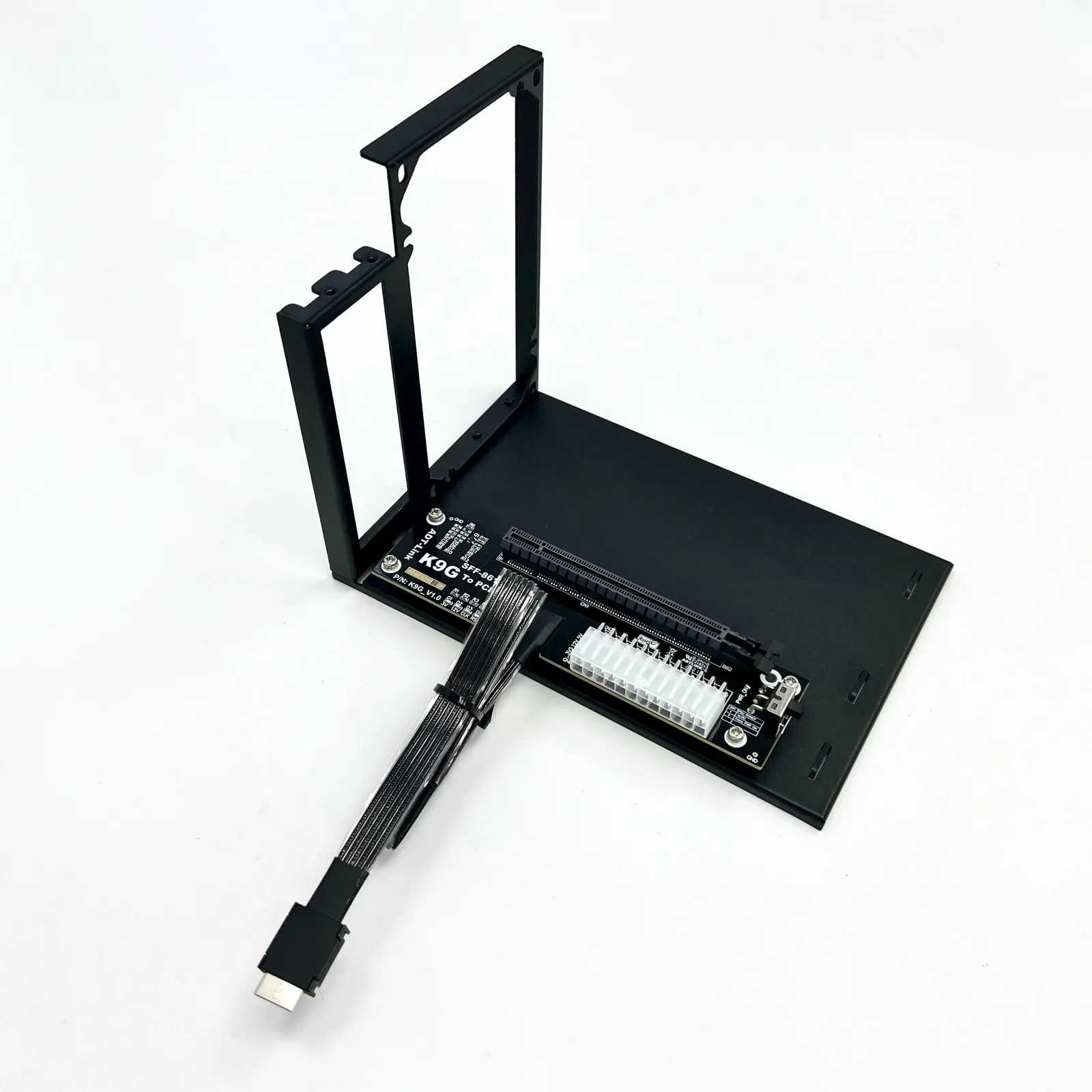
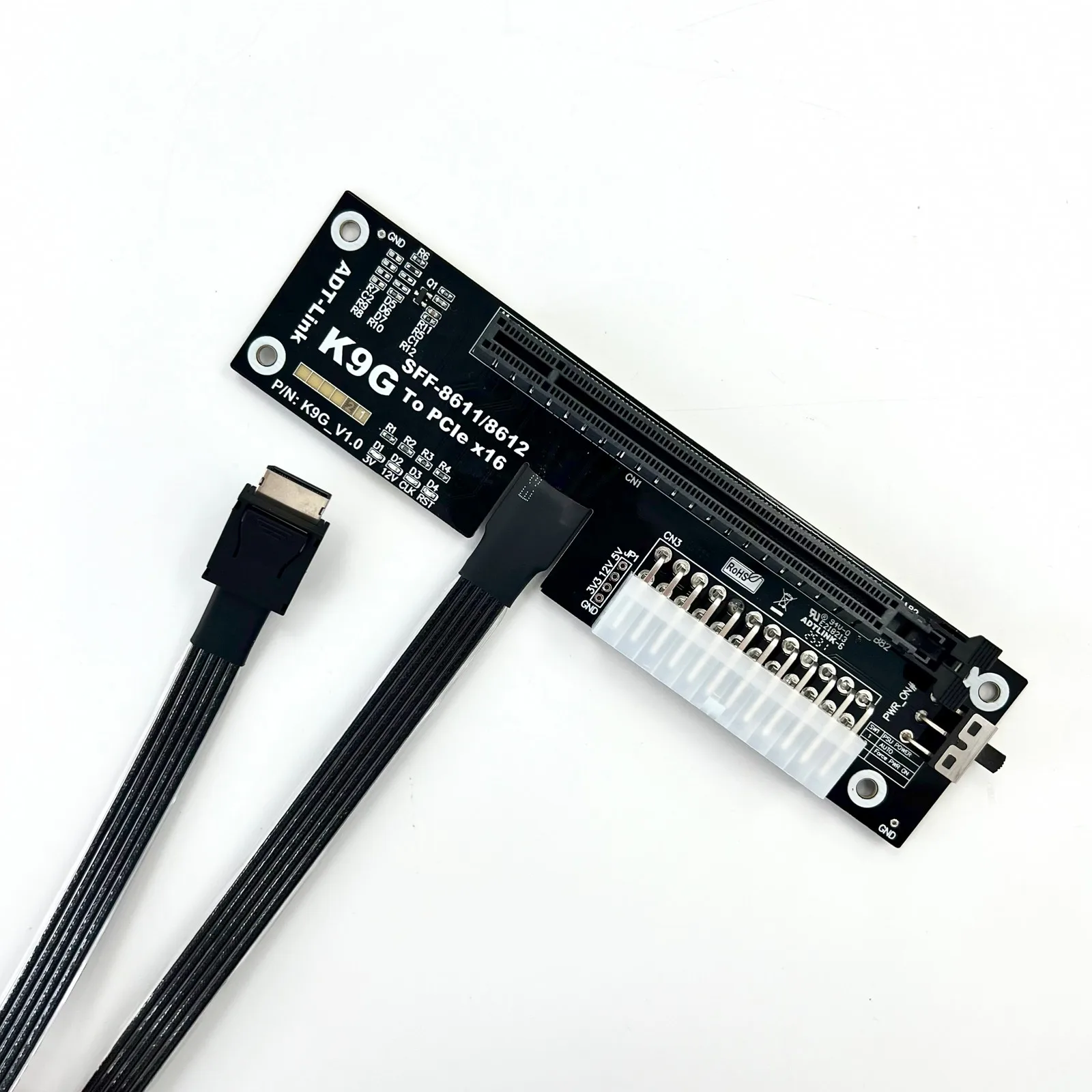
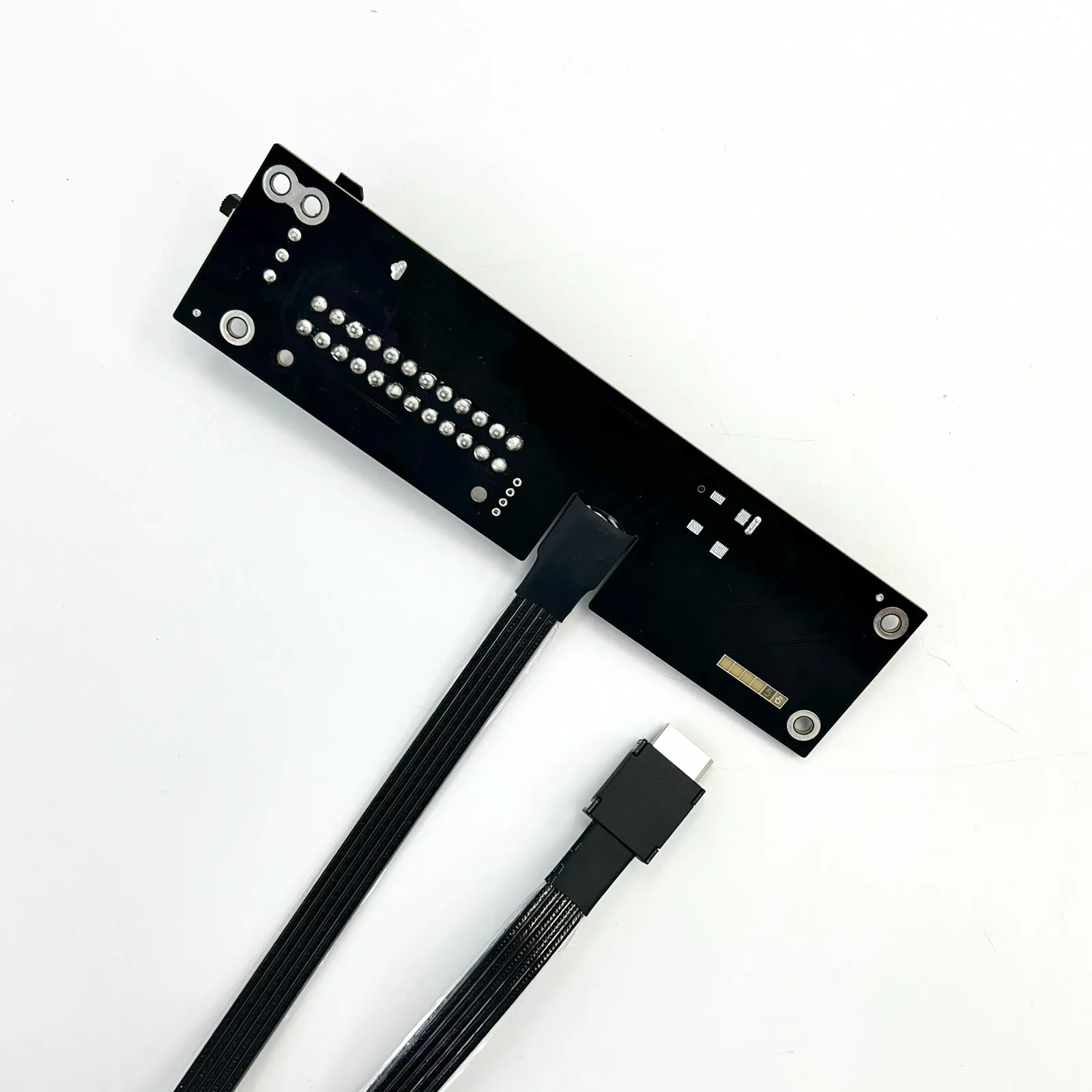
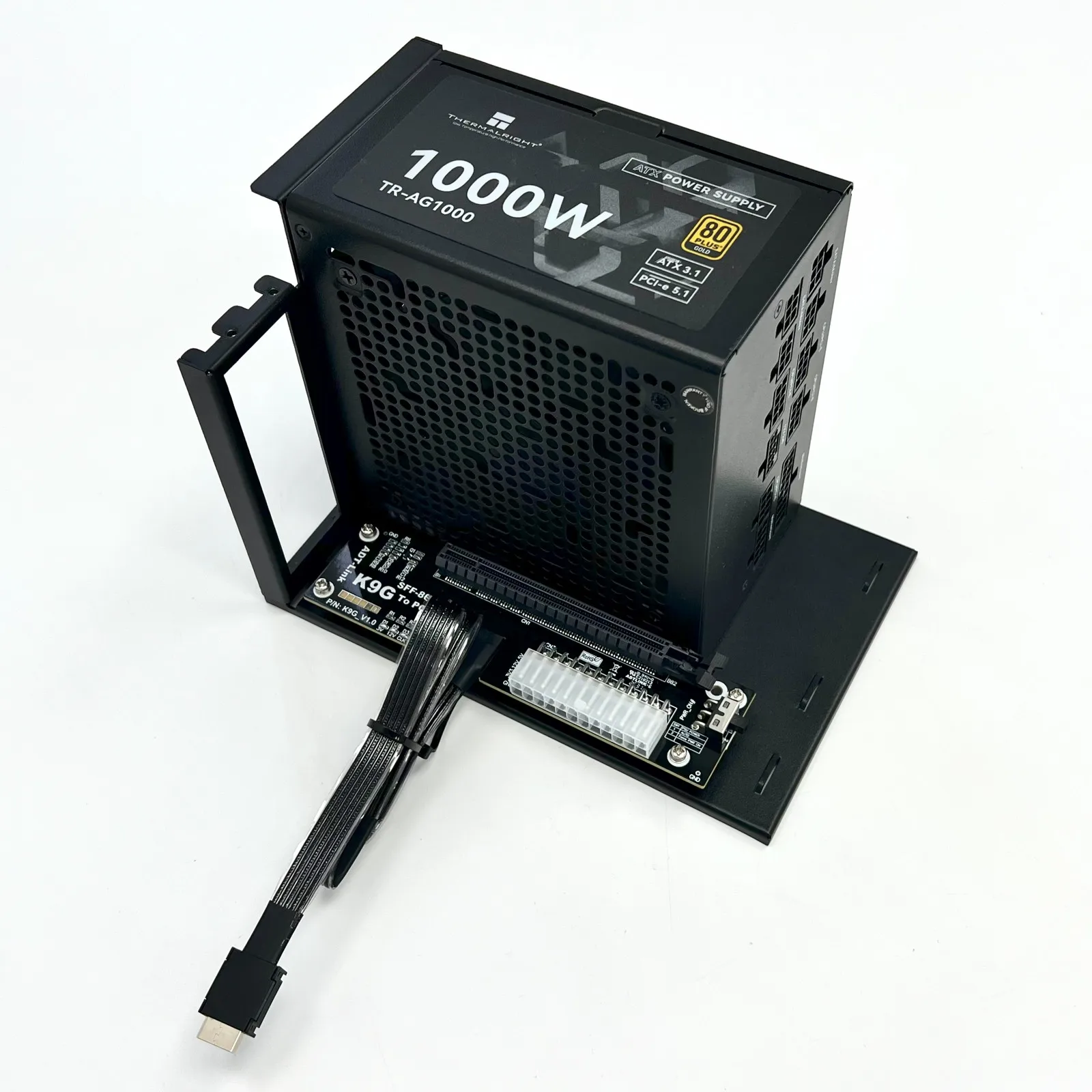

K49SQ-BK:
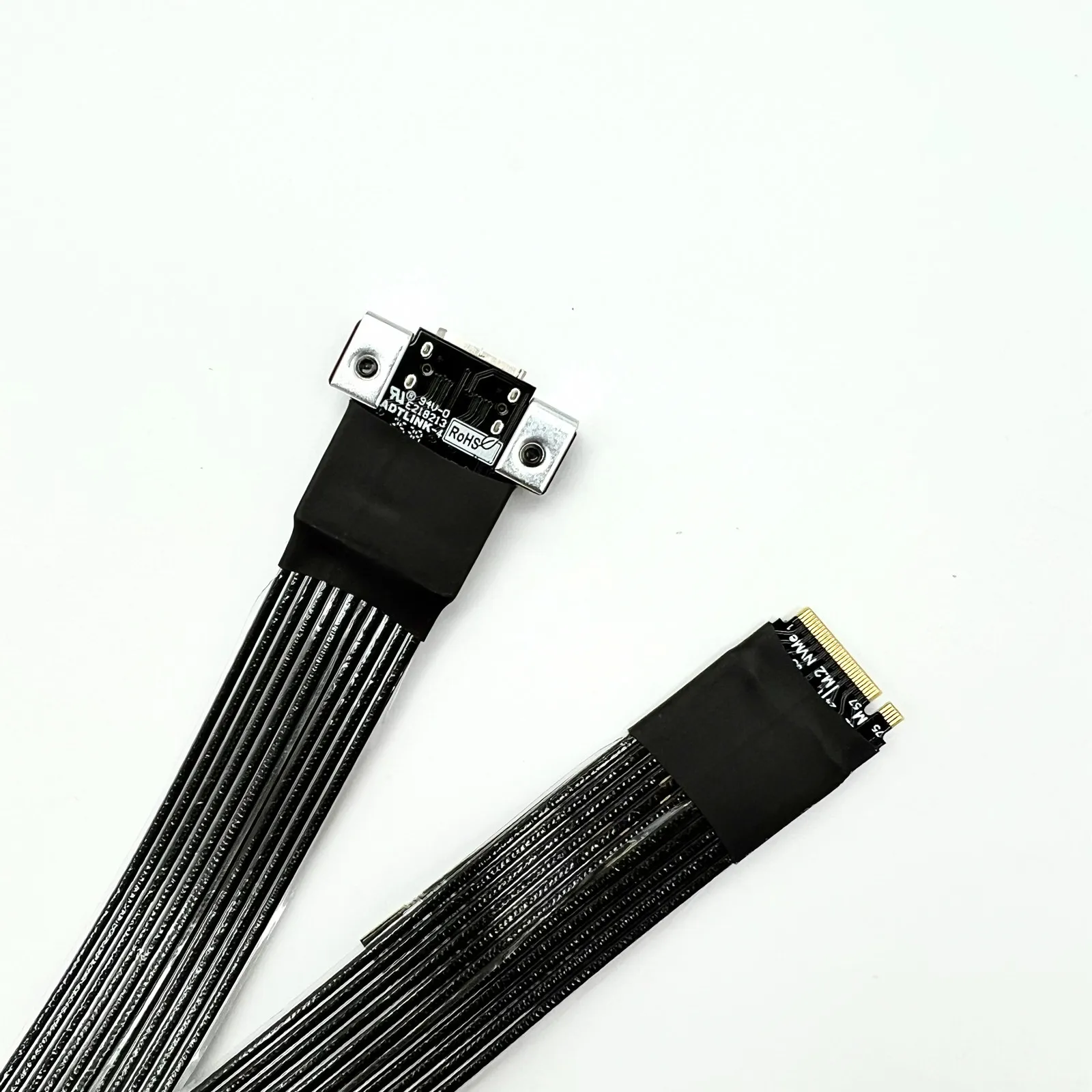
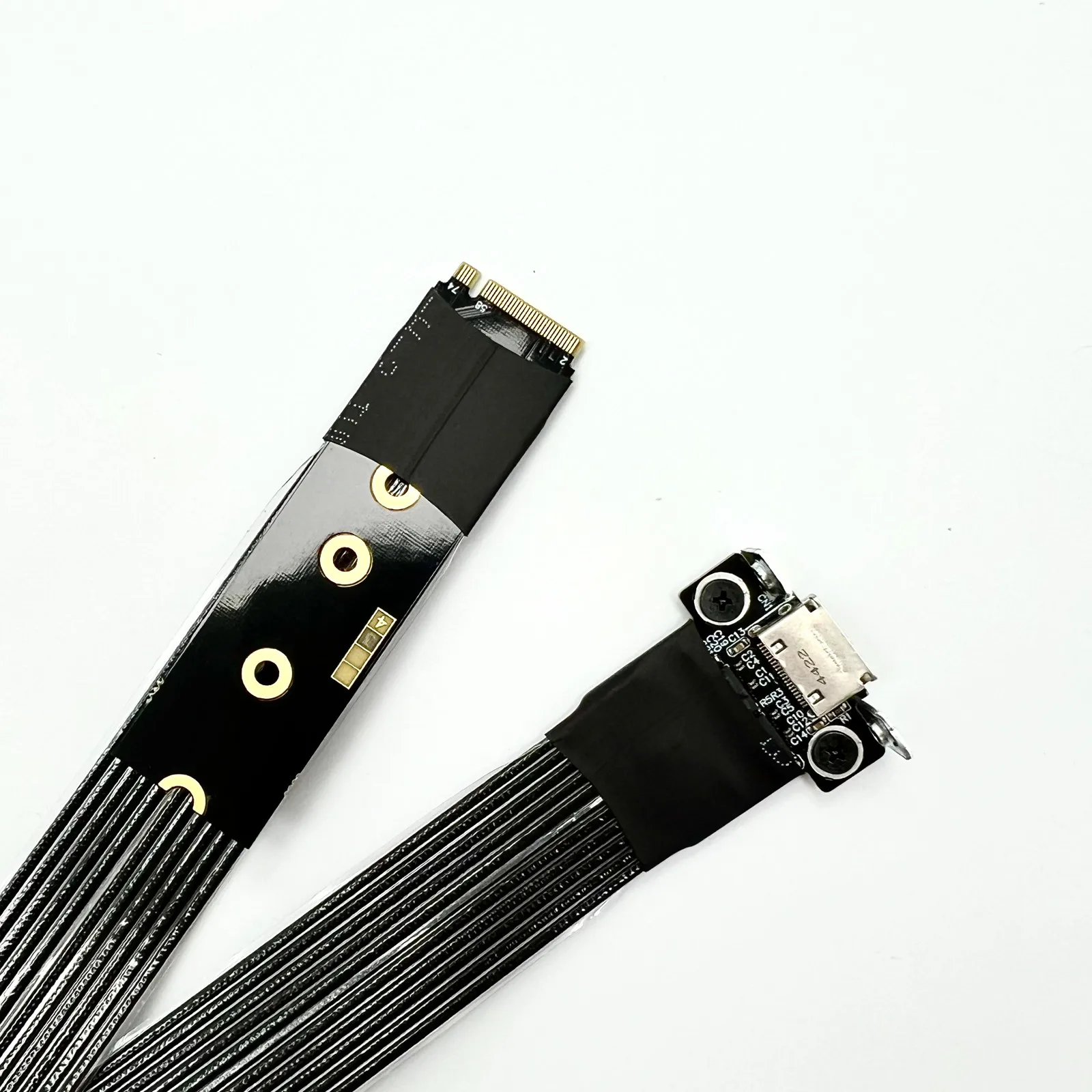
F4Q:
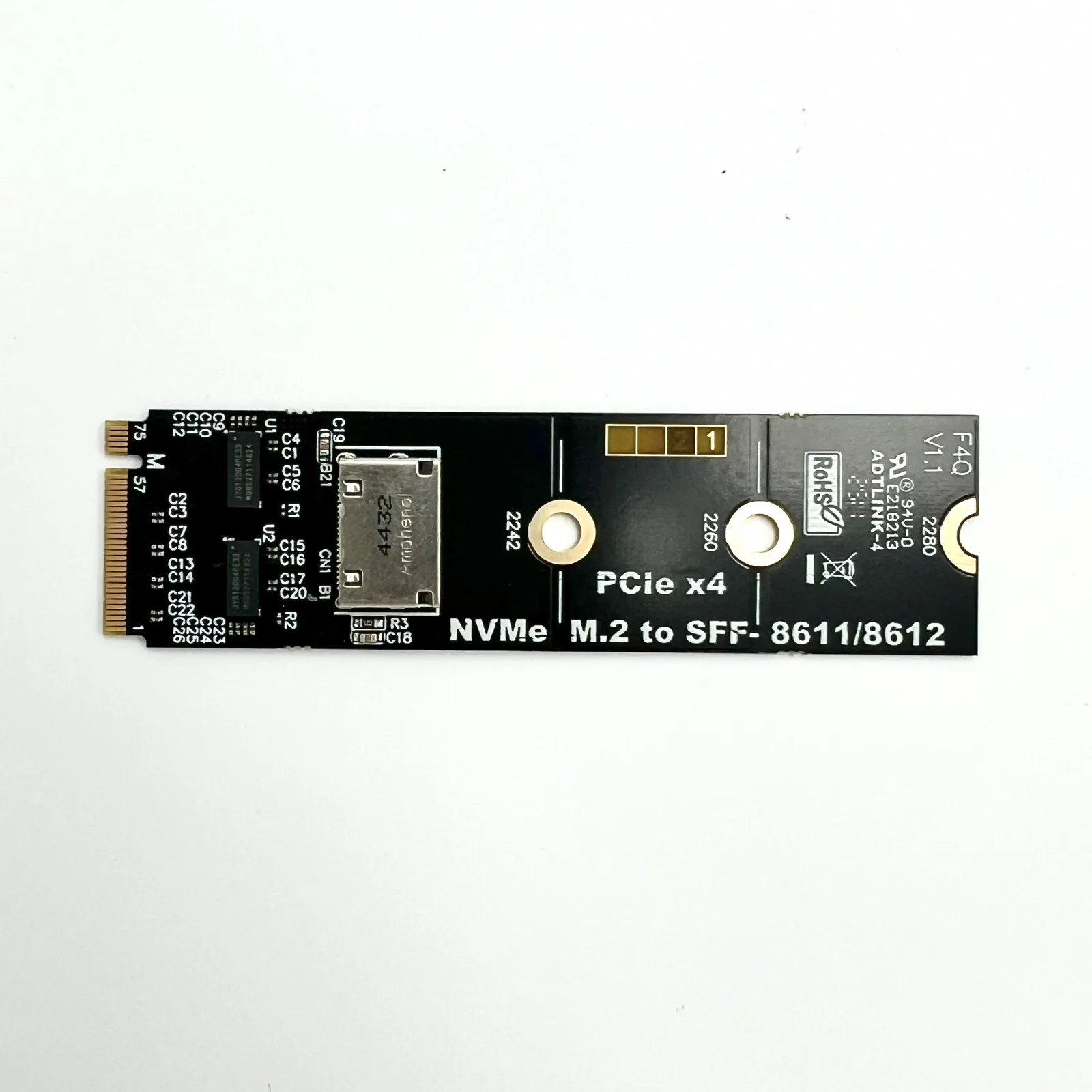
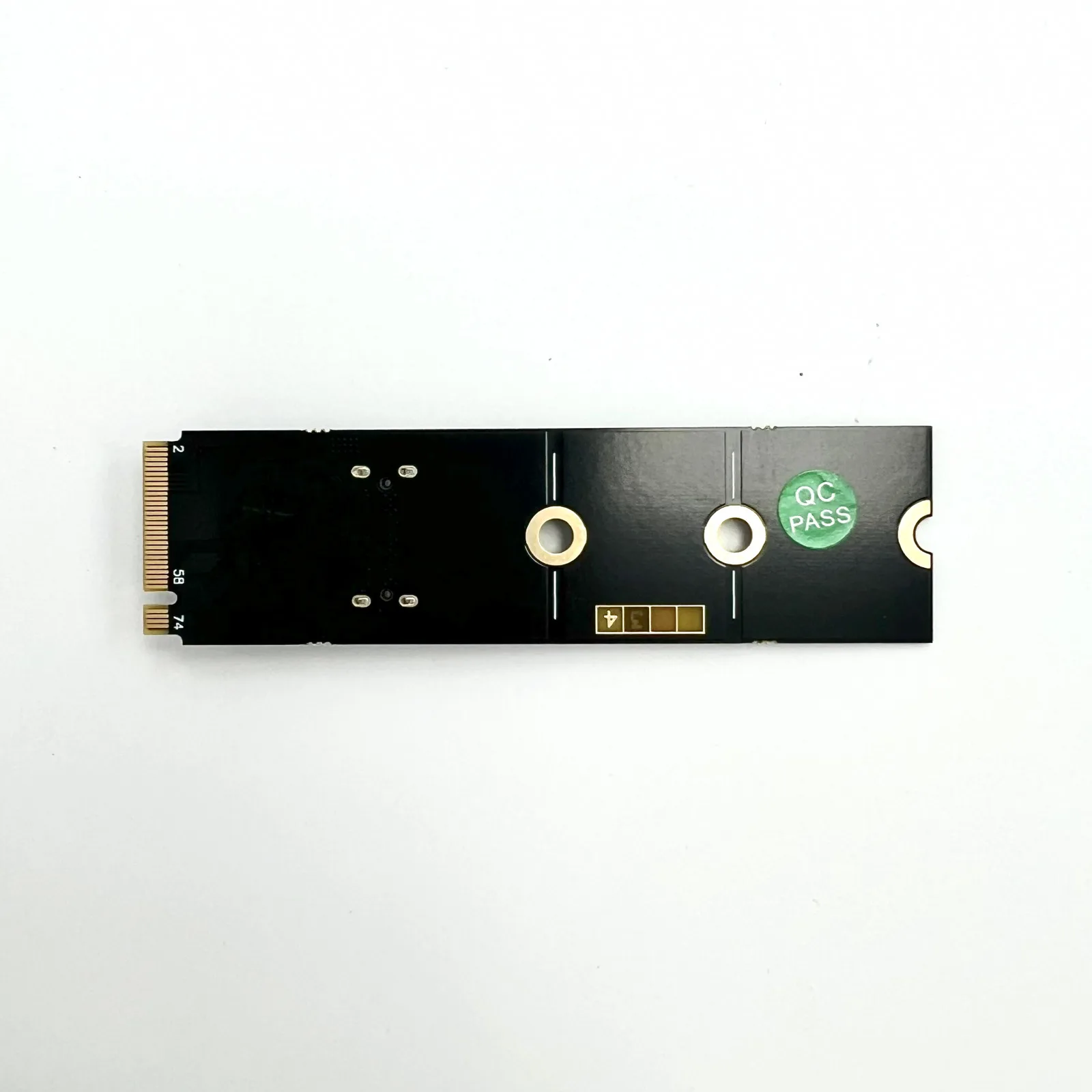
R29Q:
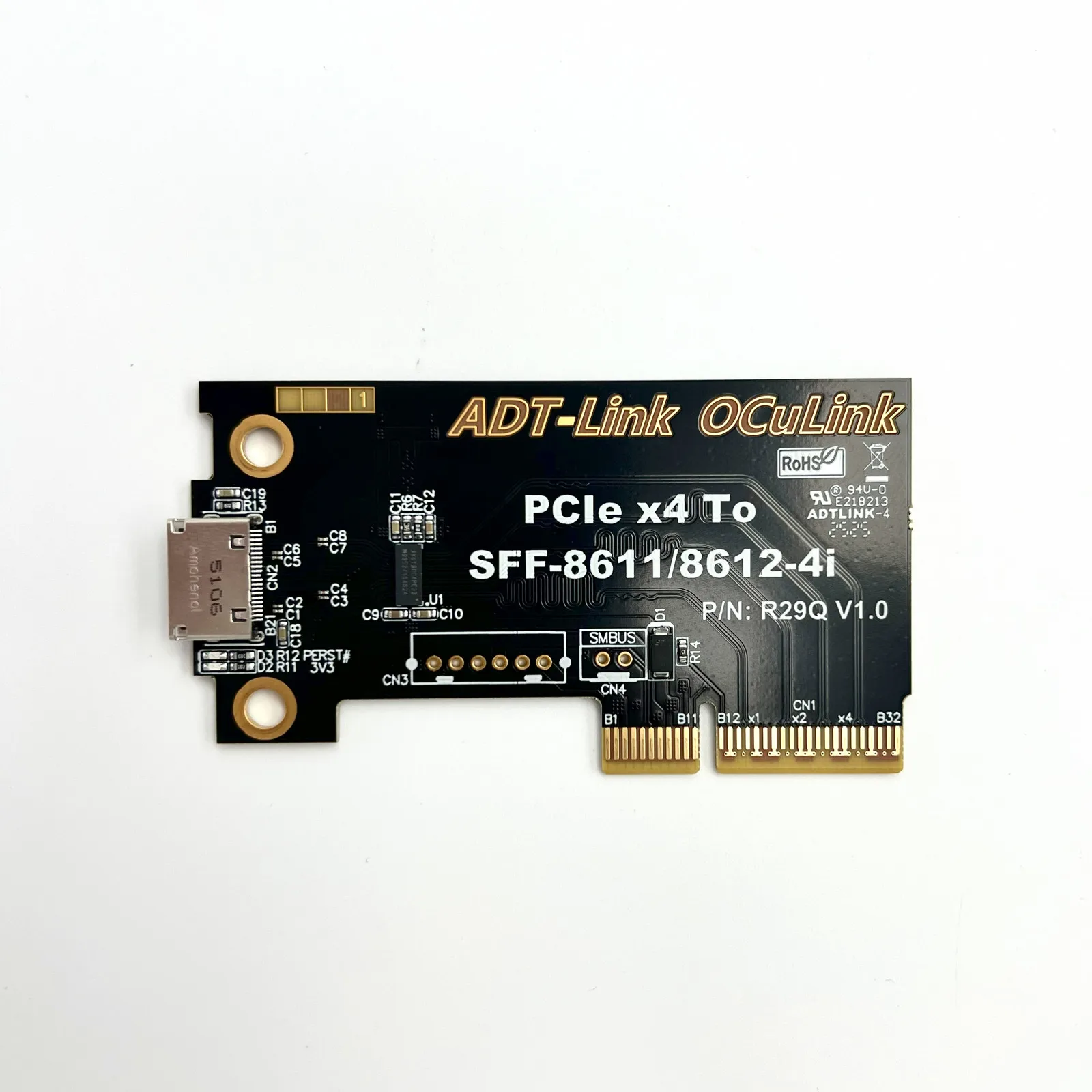
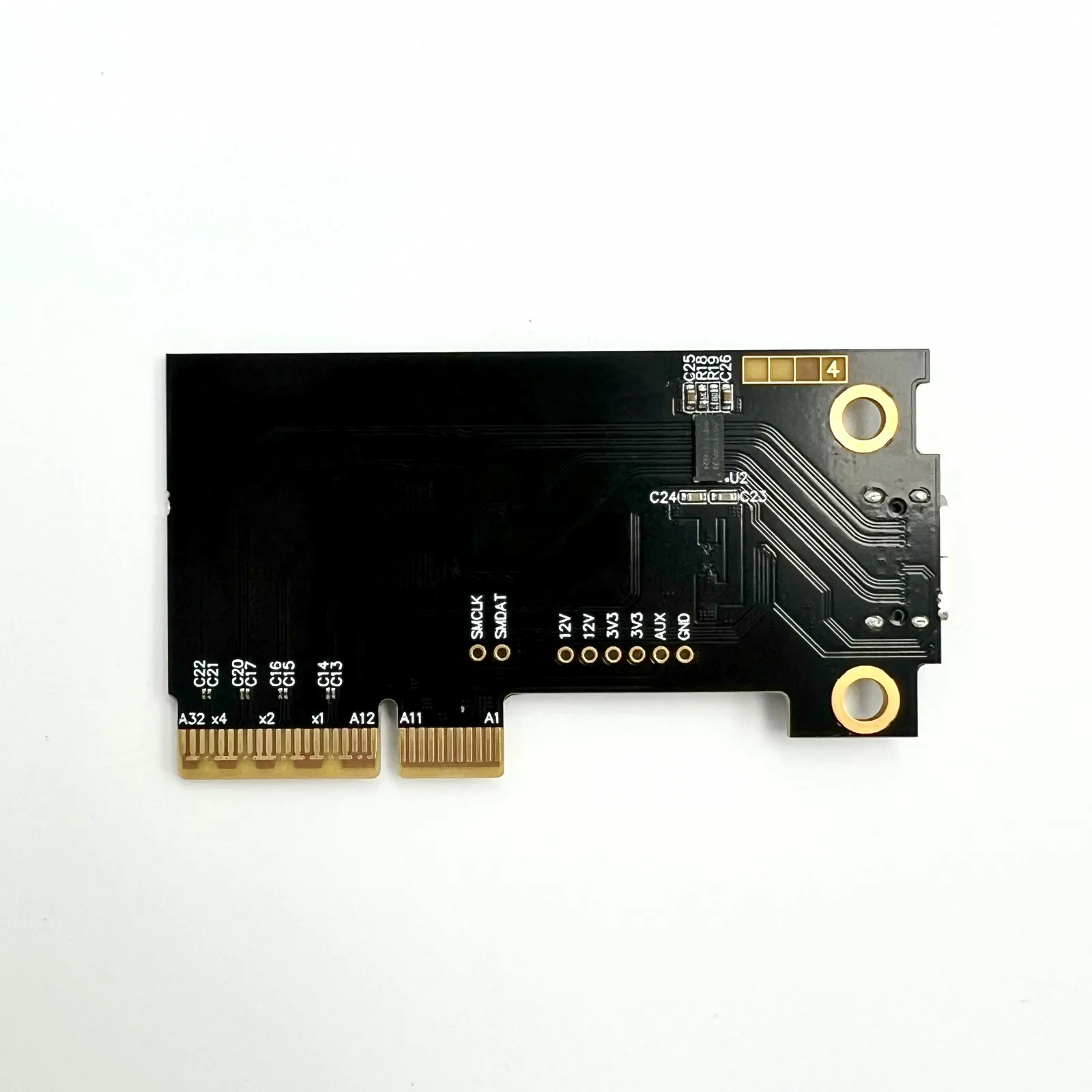
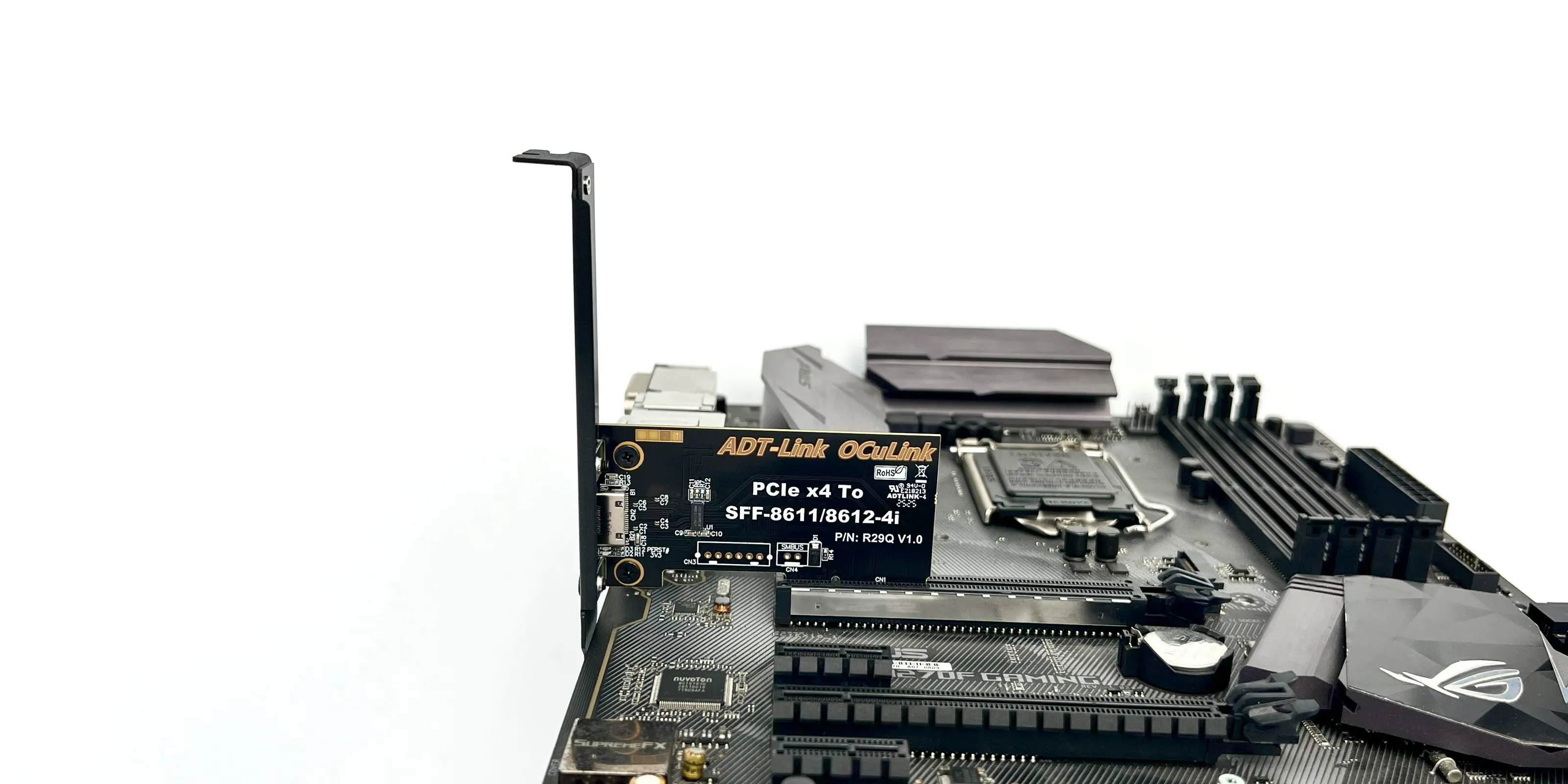
Application scenarios
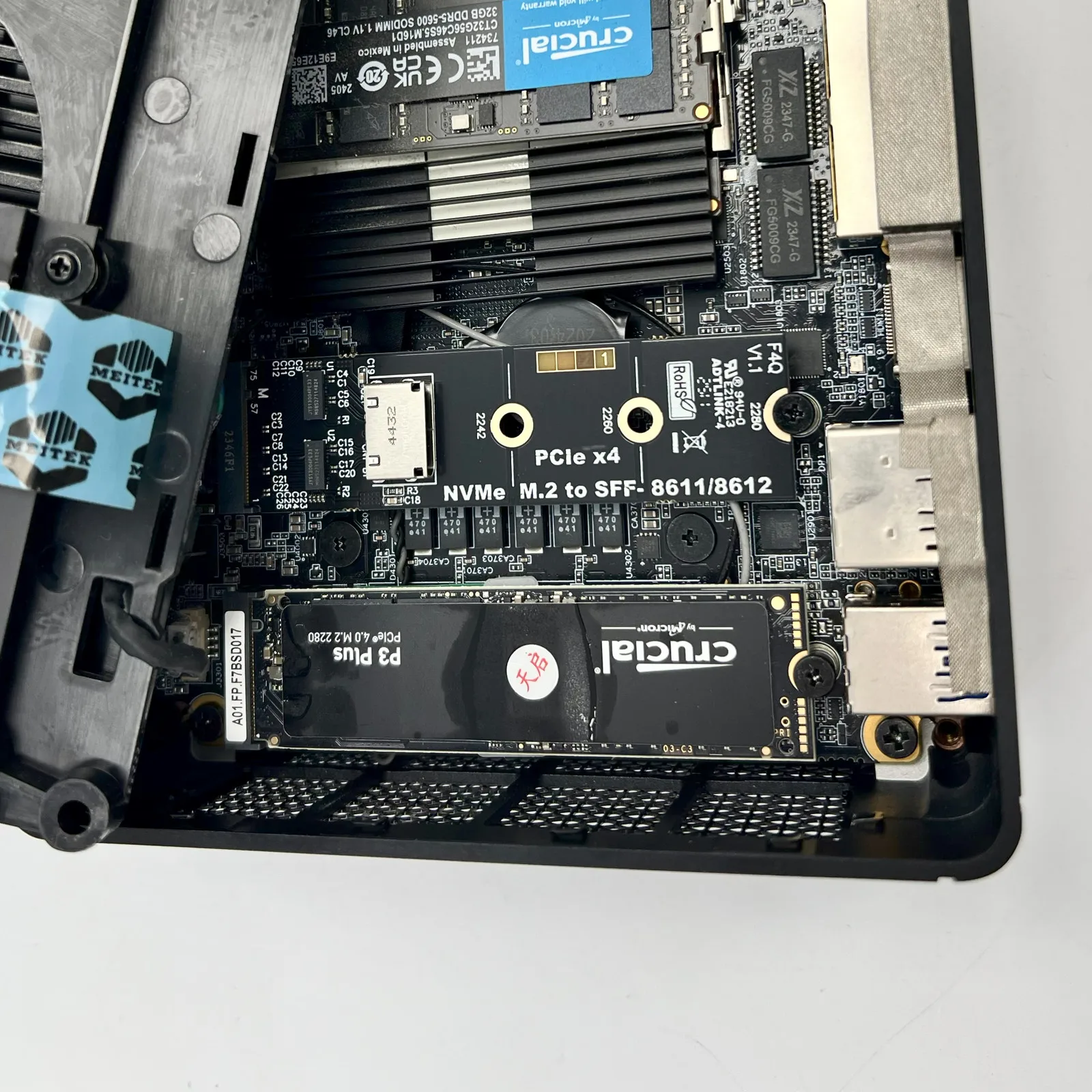
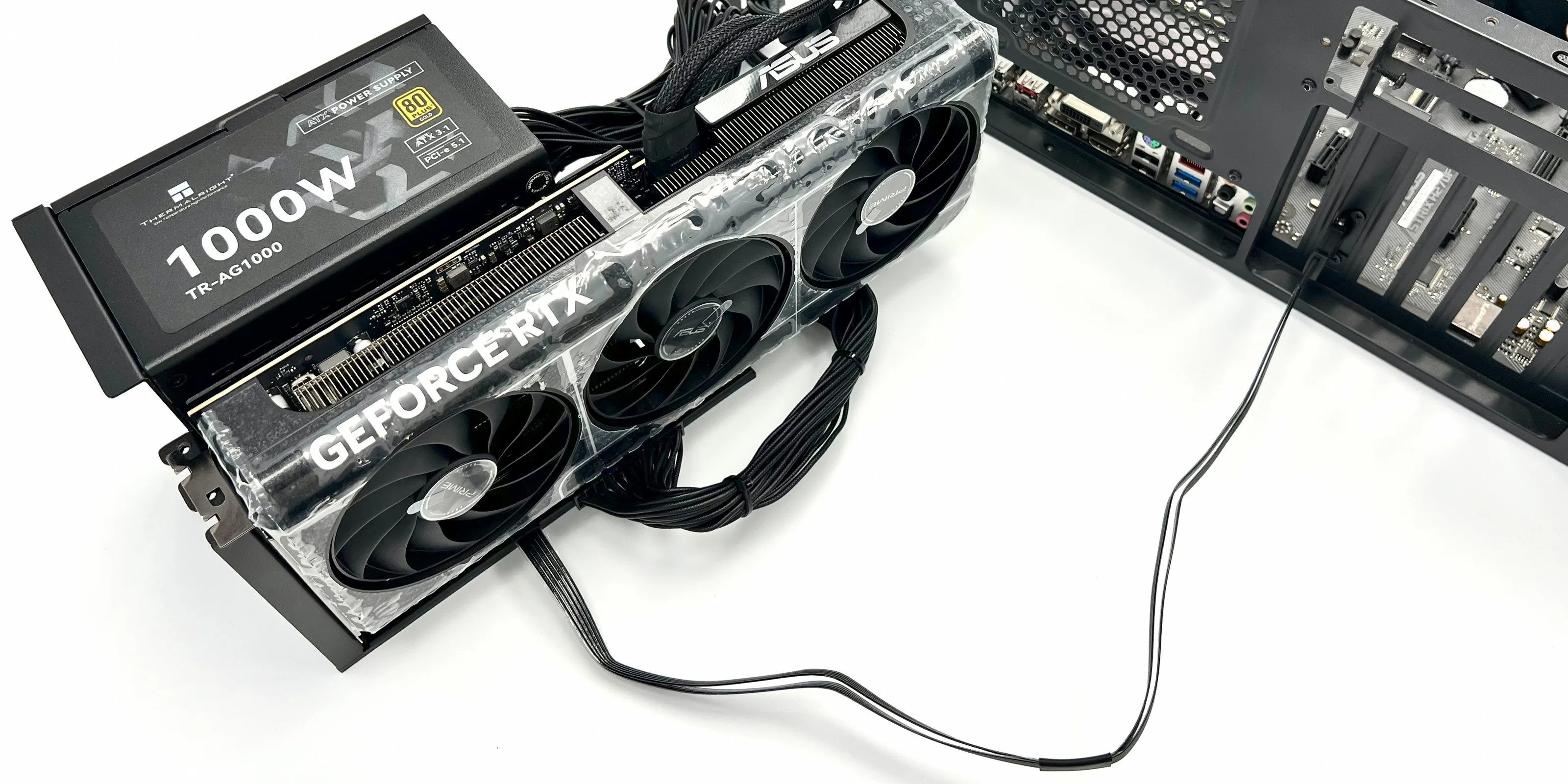
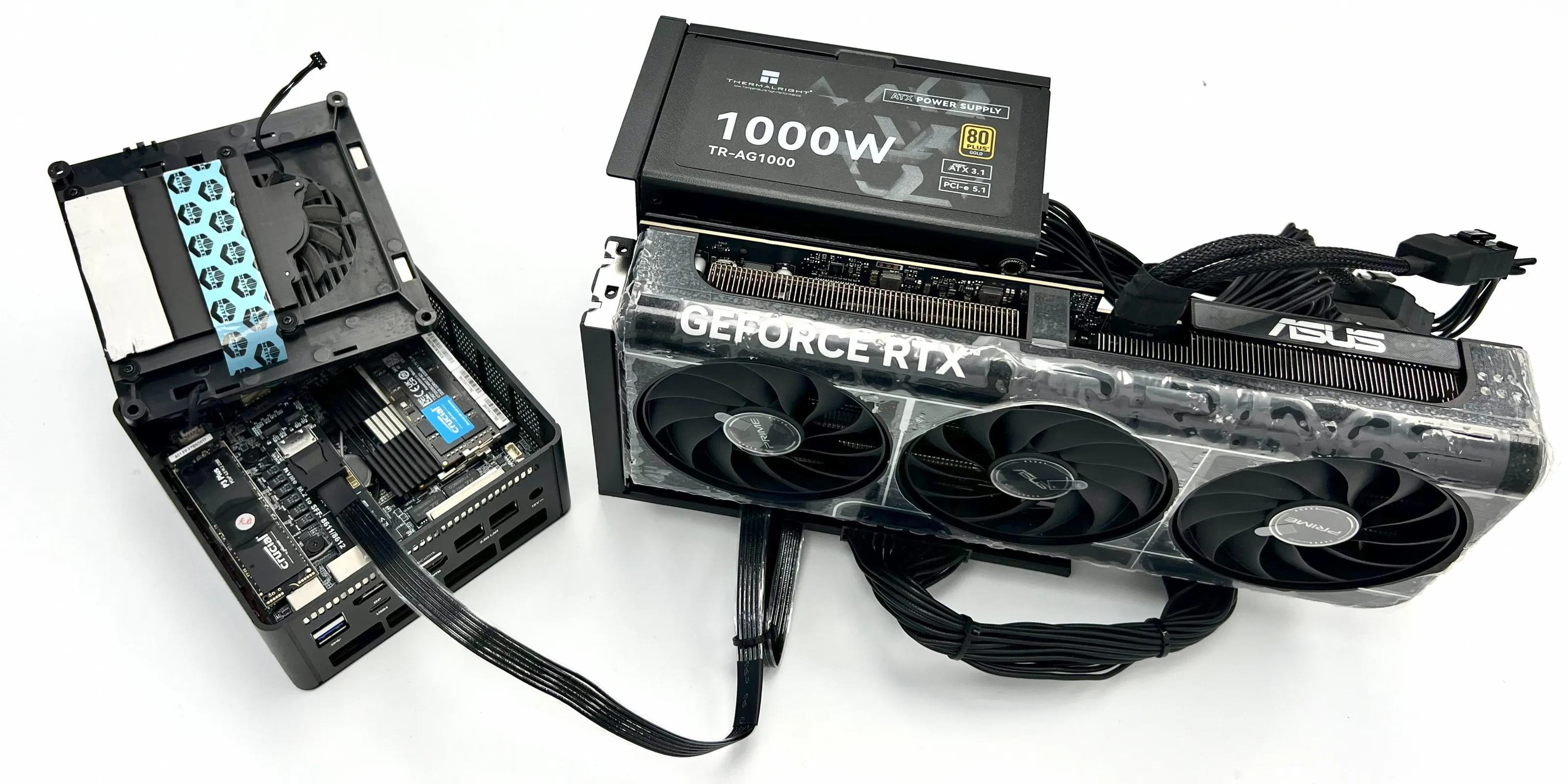
Interface advantages: Compared with the Thunderbolt external solution, the OCuLink external solution has a higher actual effective bandwidth. As it directly connects to the CPU through the PCIe channel, the performance loss is smaller. After the upgrade, OCuLink 5.0 can reach PCIe 5.0x4, with a maximum bandwidth of 128Gbps.
测试数据:
测试设备:7600x + 5070 +鑫谷850W电源(直插)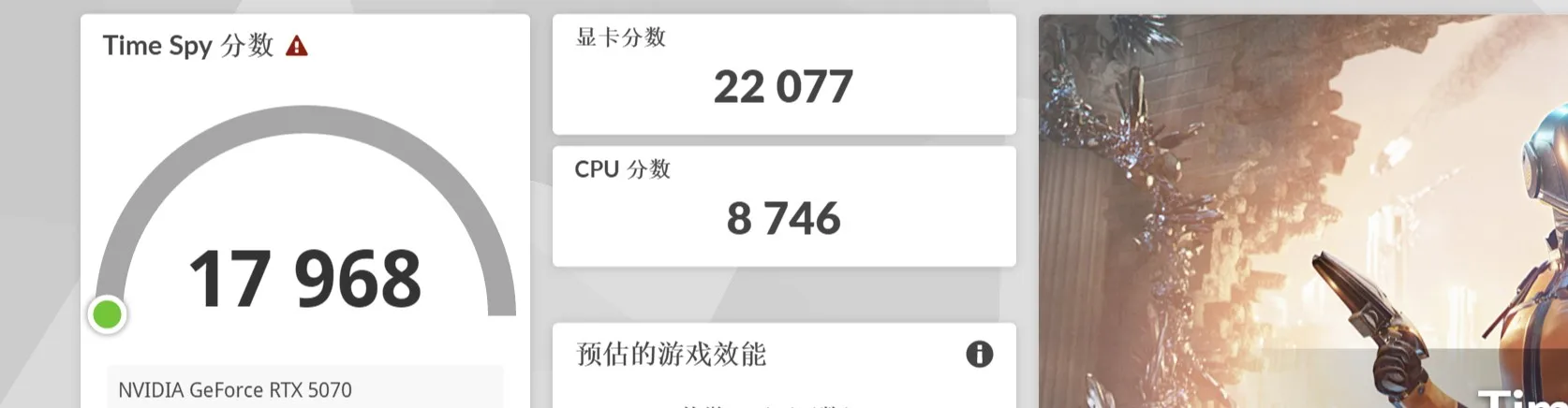
测试设备:7600x + K993G + F4Q + 5070 +鑫谷850W电源(使用显卡坞转接)
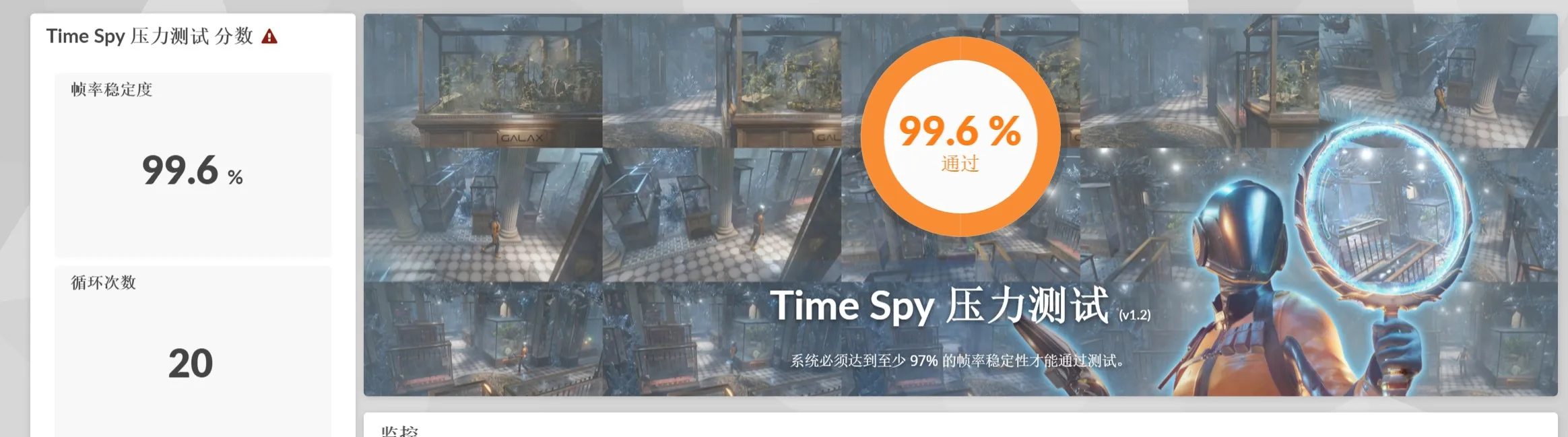
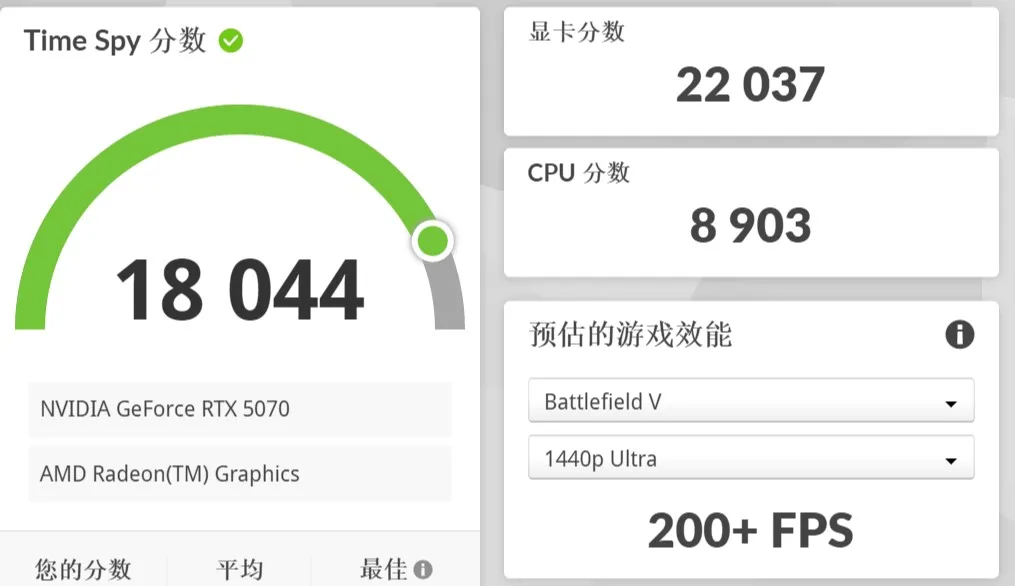
测试结果:实测同平台下,使用K993G+F4Q进行转接,3DMARK显卡跑分仅差距不到1%
外接显卡时建议将HDMI或DP线连接到显卡上,保证外屏输出,实测性能比内屏输出提高百分之六左右。
显卡坞外接5070接内屏3DMARK跑分数据
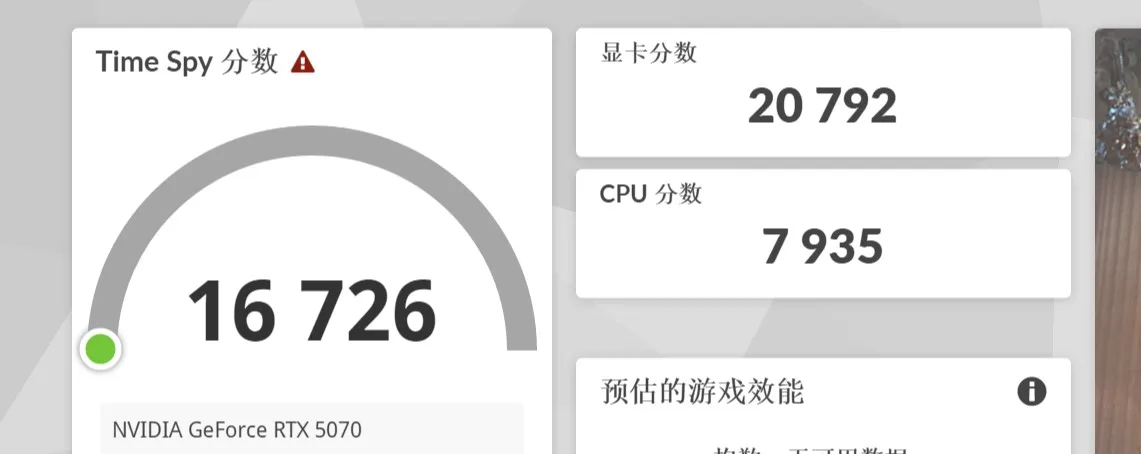
显卡坞外接5070接外屏3DMARK跑分数据
Summary of Technical Issues
What are the options for the external power supply of ADT K993G?
Only standard ATX power supplies are supported. The power of the power supply can be selected according to the requirements of the graphics card.
What is the function of the switch on the graphics card dock?
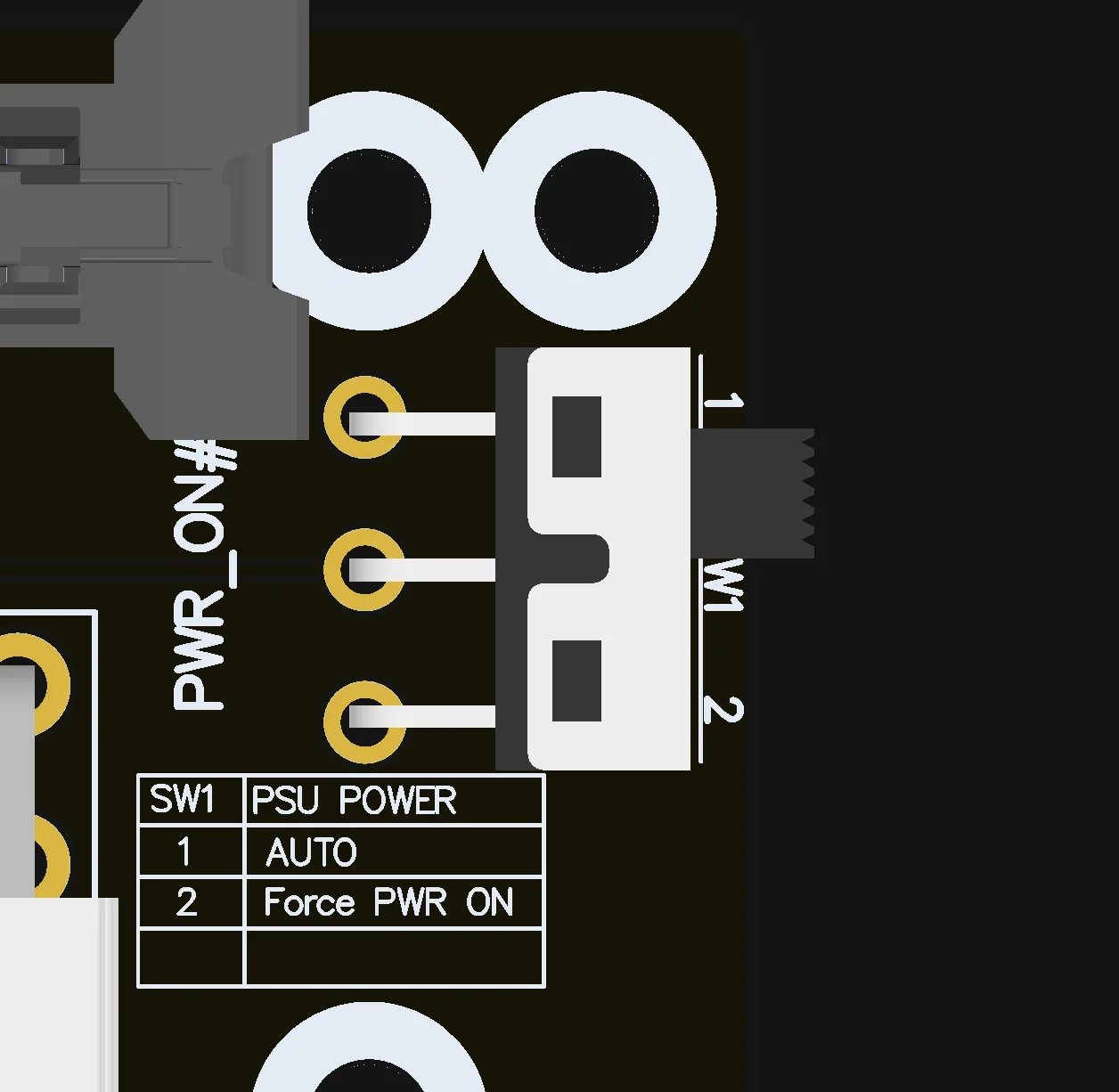
When the switch is set to 1, it starts automatically. The graphics card dock can start and stop automatically following the computer. When the graphics card dock is operating normally, there is no need to switch it. Switching the switch to 2 is for forced startup, which directly supplies power to the graphics card dock. When using a non-store adapter board for the adapter and the graphics card dock cannot start normally after switching to 1, at this time, you can switch the switch to 2 to force start the graphics card dock.To ensure the safety of the device, please force start the graphics card dock before starting on the host end and close the graphics card dock after closing on the host end.
How to read the indicator lights of the equipment?
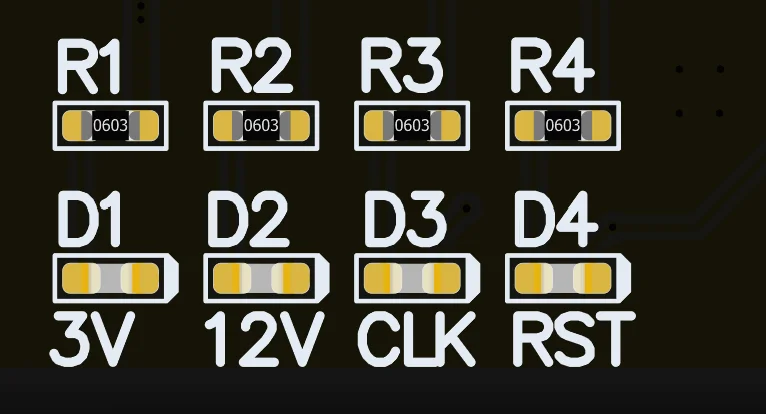
The D1 light indicates the inspection of the cable. Some cables that are not from our store may cause the D1 light to fail to light up. The D2 light indicates the power supply status of the ATX power supply. If the light is on, it means the ATX power supply is normally turned on. Otherwise, please check whether the power switch is turned on or whether the cable is properly plugged in. The D3 light may not light up when using some AMD graphics cards. The D4 light is off under normal conditions and only flashes once when it is turned on or off.During use, the D2 light must be on and the D4 light must be off before it can be used normally. The D1 and D3 lights are only used for detection purposes, and whether they are off or not does not affect normal use.
Product size?
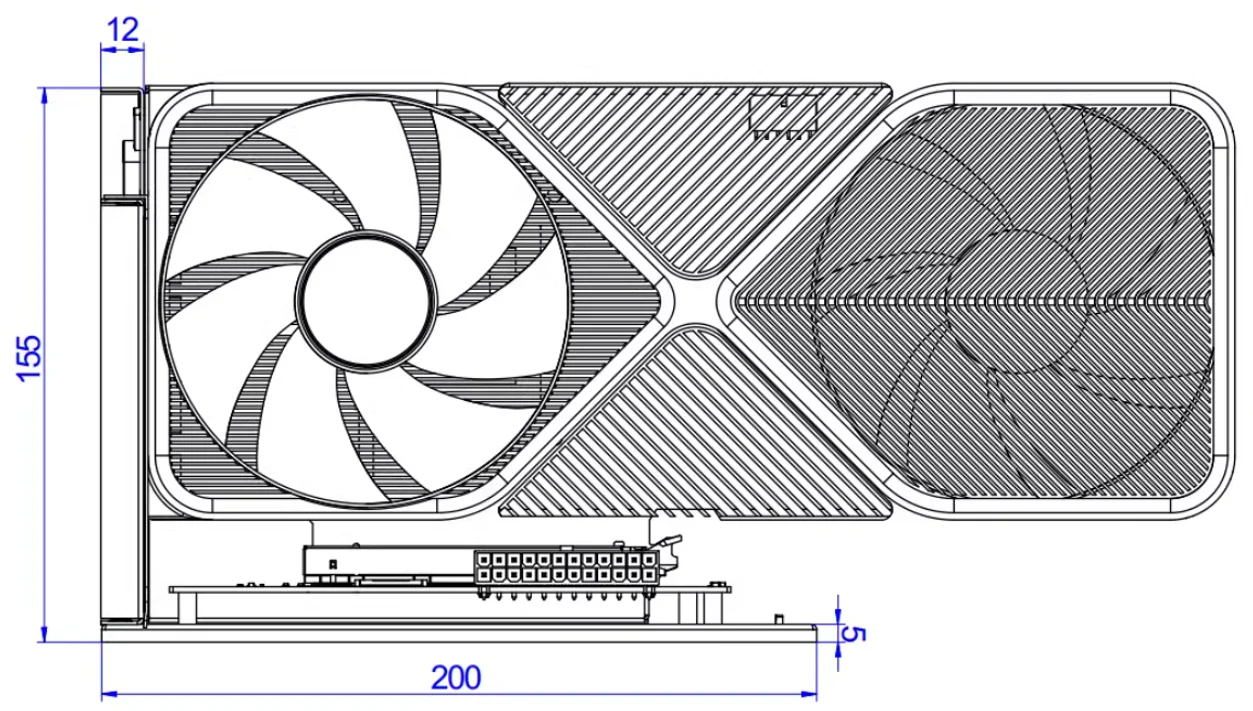
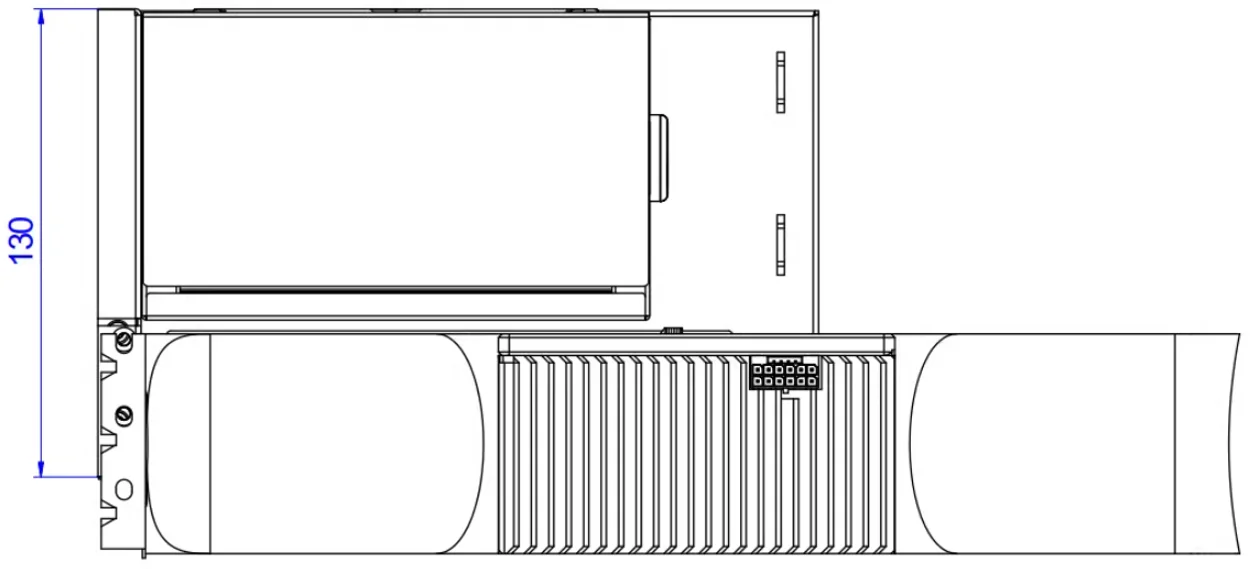
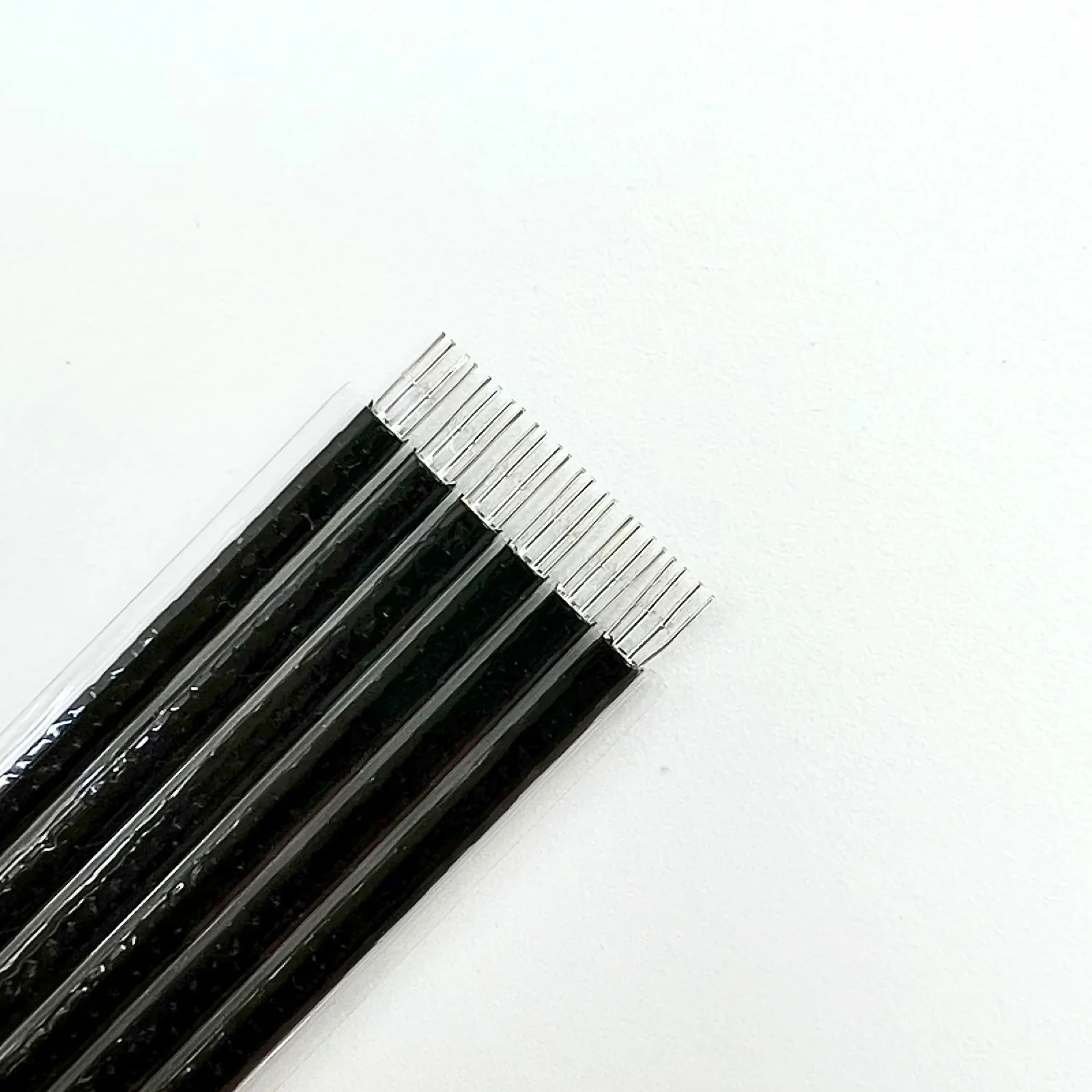
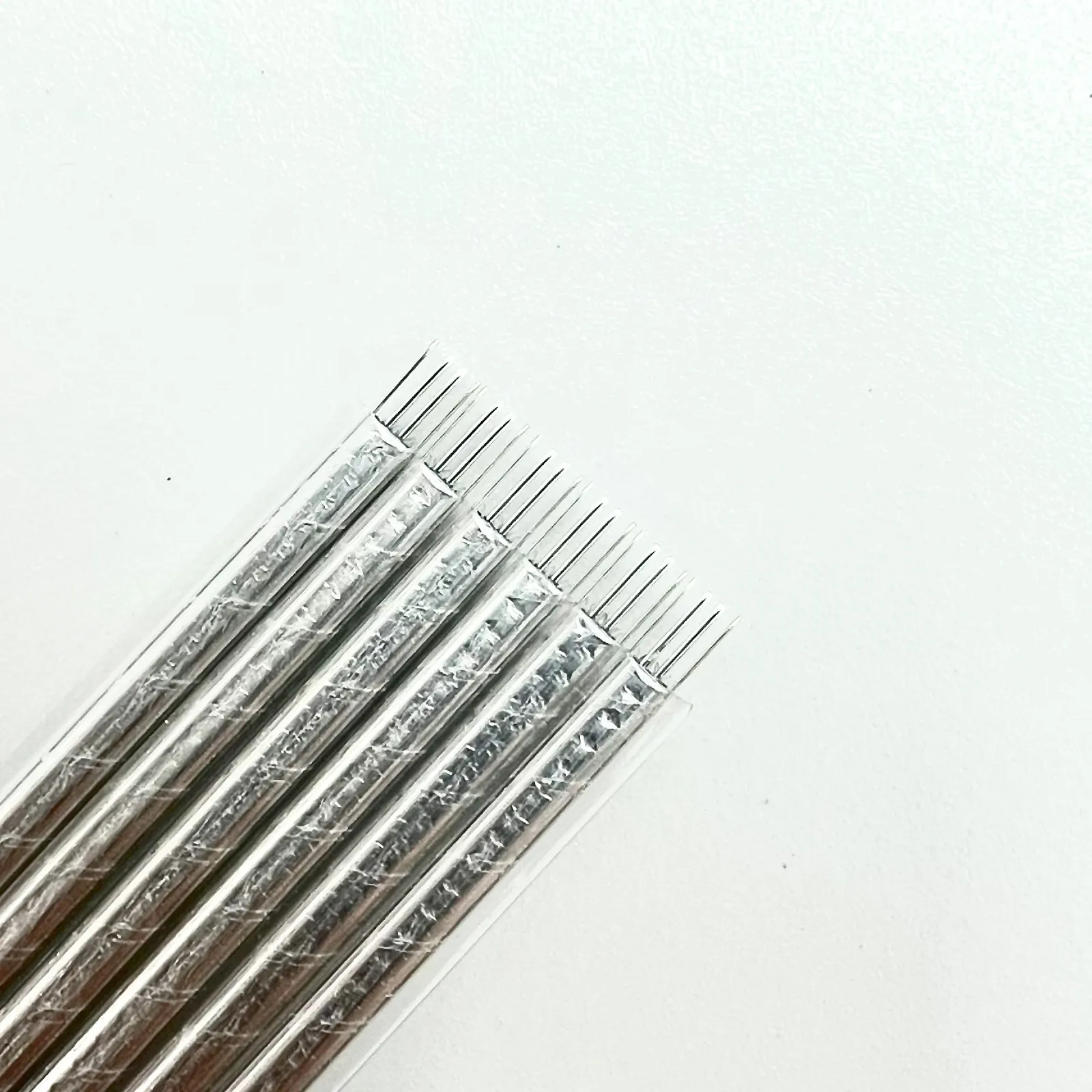
How is the quality of the wire? Is there any blocking?
It features a metal layer shielding, advanced EMI shielding conductive polymers, new materials for EMI shielding, and a flat cable design. This technology enables each cable to be fully covered by electromagnetic interference shielding of conductive polymers to prevent incident or outgoing electromagnetic frequency emissions, minimize interference and performance degradation, and reduce the weight of the ribbon.
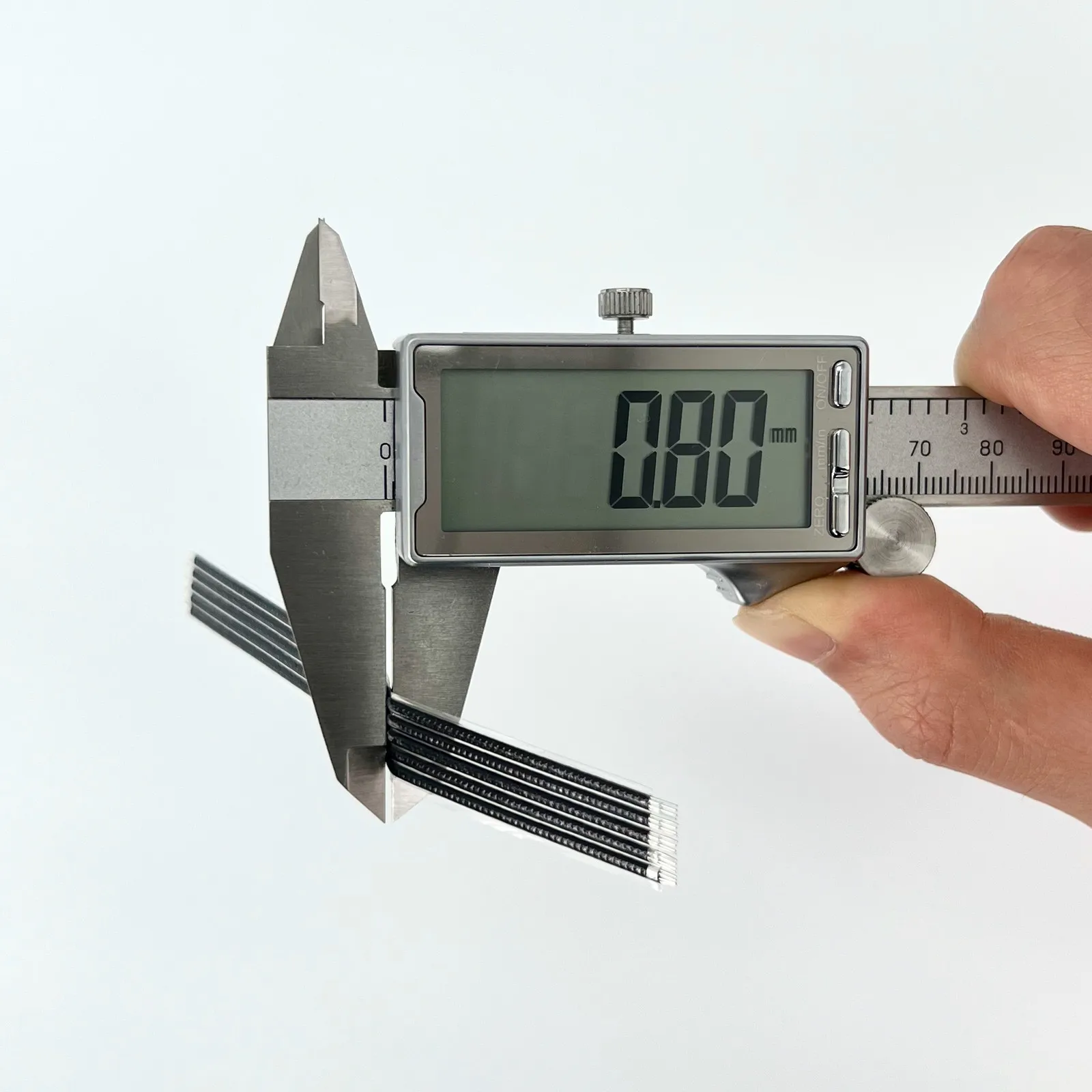
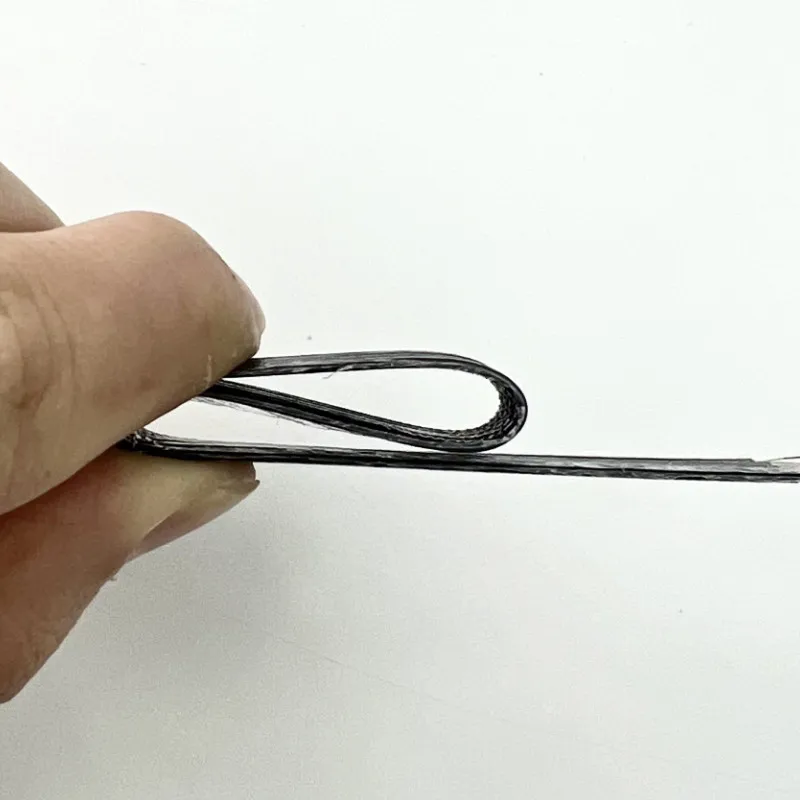
Is the wire soft? Can it be bent?
The cable is a thin black version of the fifth-generation PCIe dedicated cable independently developed by ADT, with a thickness of 0.8mm. The cable is very soft and can be bent, which does not affect its use.
Download link for technical materials
打开 3D PDF 文件。请使用 Adobe Reader DC 软件。
3D Step & 3D PDF files download:
https://www.adtlink.cn/download/ADT_K993G-F4Q-R29Q_3D.zip
Specification files download:
https://www.adtlink.cn/download/ADT-Cable 24P 5.0 specification 20250625.pdf
Installation Tutorial files download
http://www.adtlink.cn/download/F9G Installation Tutorial.mp4